iLoop FotoCube Resources
FotoCube App Media and Resources for iLoop Digital Calendars
Explore iLoop FotoCube setup, calendar sync, CloudFrame photo sharing, AI image processing, family schedules, habits, meal planning, and smart display features in one simplified Shopify-safe resource page.
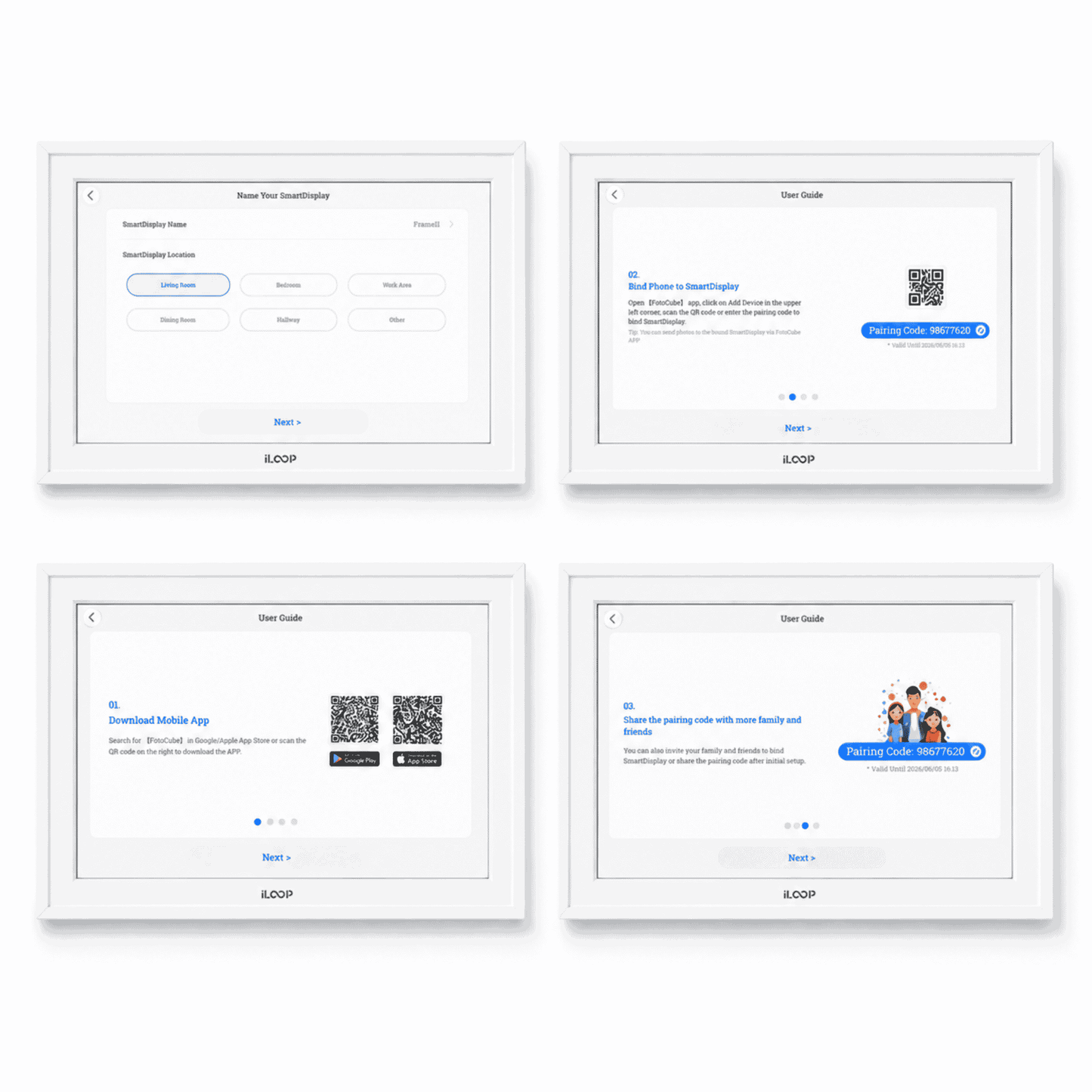
App Overview and First Use
Start with setup, first use, calendar basics, and CloudFrame photo sharing.
Features Explained
Explore to-do lists, schedules, sleep mode, habits, meal planning, and star points.
FotoCube Photos
Learn photo sharing, AI image processing, and sending videos to the display.
Sync with Other Calendars
Connect Cozi, Google, iCloud, and Yahoo Calendar with FotoCube.
Video Panel
App Overview and First Use
FotoCube App Overview
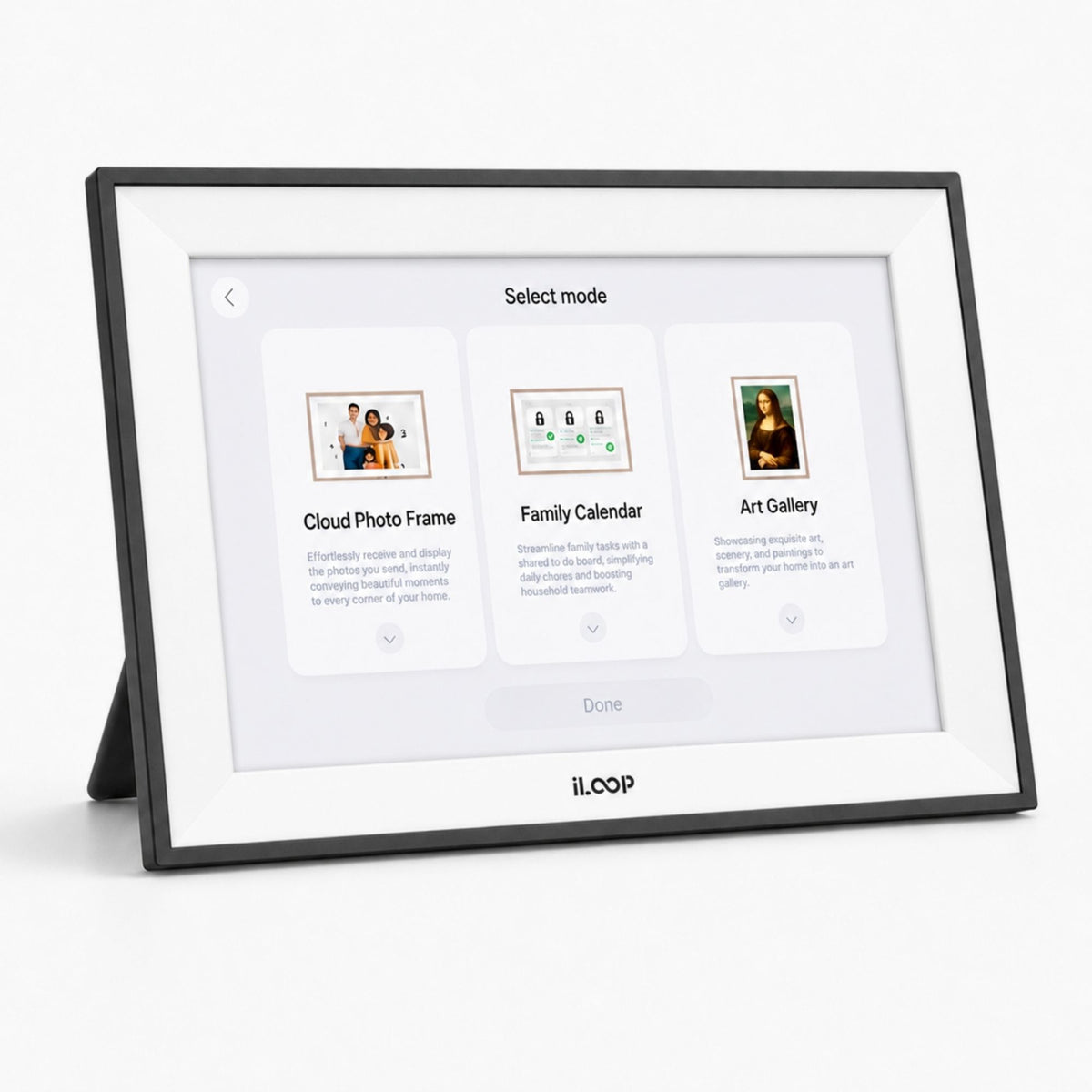
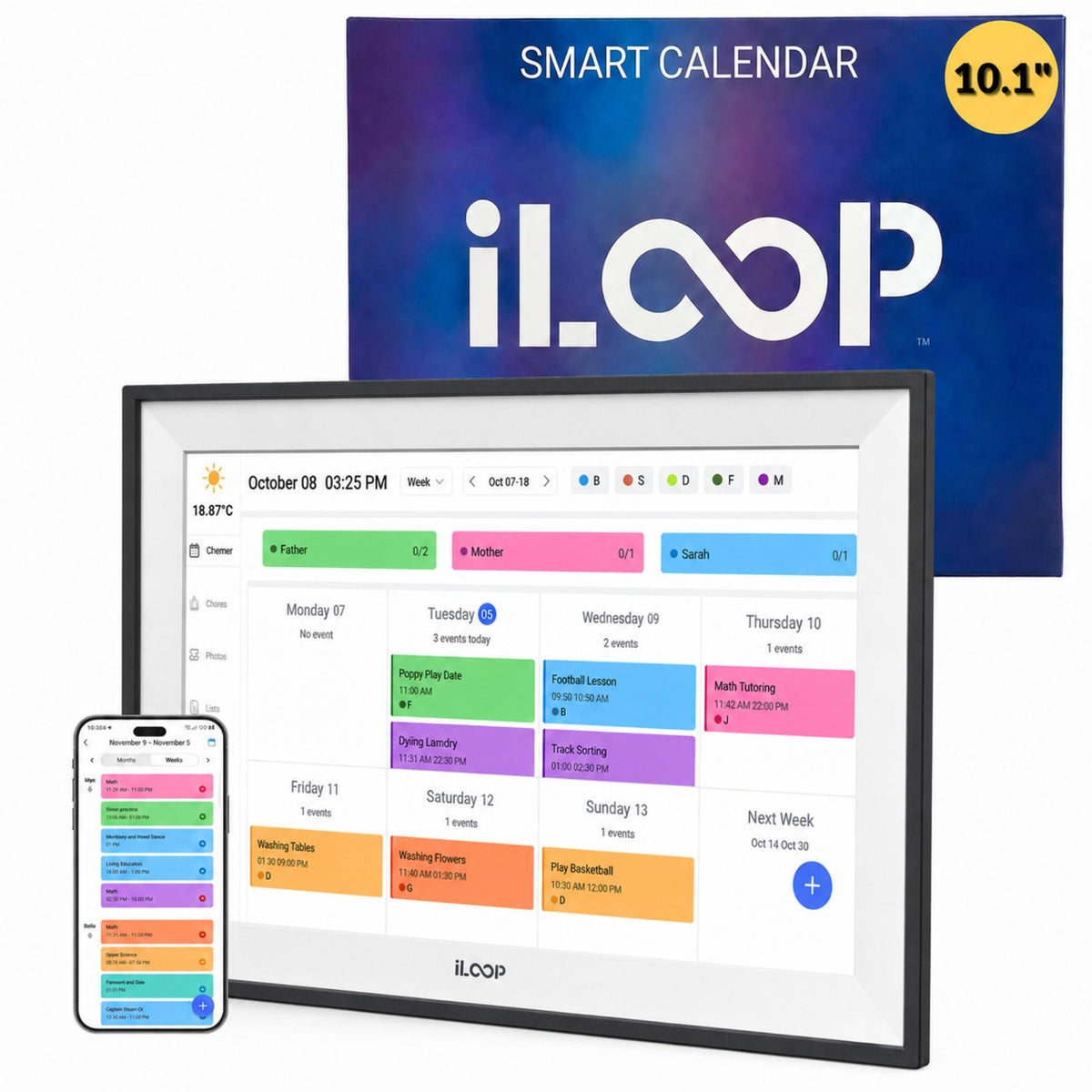
A clear overview of the FotoCube App experience for iLoop Digital Calendar displays, including calendar tools, photo sharing, video display, family planning, and daily smart-display use.
Compatible iLoop Products
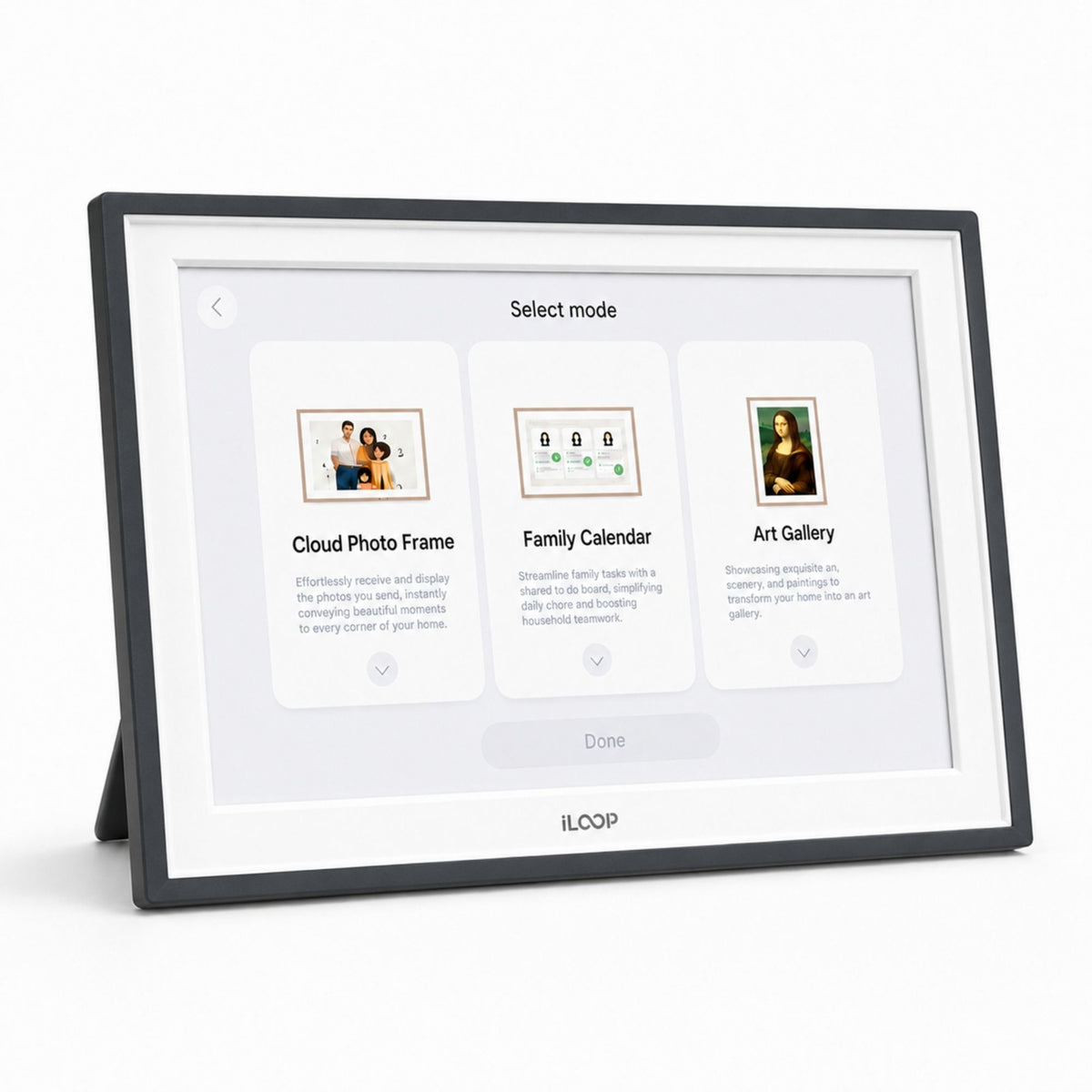
Two iLoop digital calendar products are shown here as FotoCube-compatible options for this resource page.

iLoop 15.6” Digital Calendar 32GB
Frequently Asked Questions
These answers stay inside the page as accessible accordions for visitors and search engines.
1. Can iLoop use the FotoCube App?
Yes. Compatible iLoop Digital Calendar displays use the FotoCube App for calendar tools, photo and video sharing, family scheduling, and smart display features.
2. Can I send photos and videos to the iLoop display?
Yes. FotoCube supports photo and video sharing to compatible iLoop displays.
3. Does FotoCube support Google Calendar sync?
Yes. FotoCube can sync Google Calendar events and routines to the display.
4. Can it sync with iCloud, Yahoo, or Cozi Calendar?
Yes. FotoCube includes guide resources for iCloud, Yahoo, Cozi, and Google Calendar sync.
5. Is this only a calendar?
No. iLoop can also work as a photo frame, video frame, family planner, chore chart, meal planning display, and habit tracker.
6. Are premium features subscription-based?
iLoop product positioning focuses on premium features without subscription-based premium access.
 Powered by Bee Logic




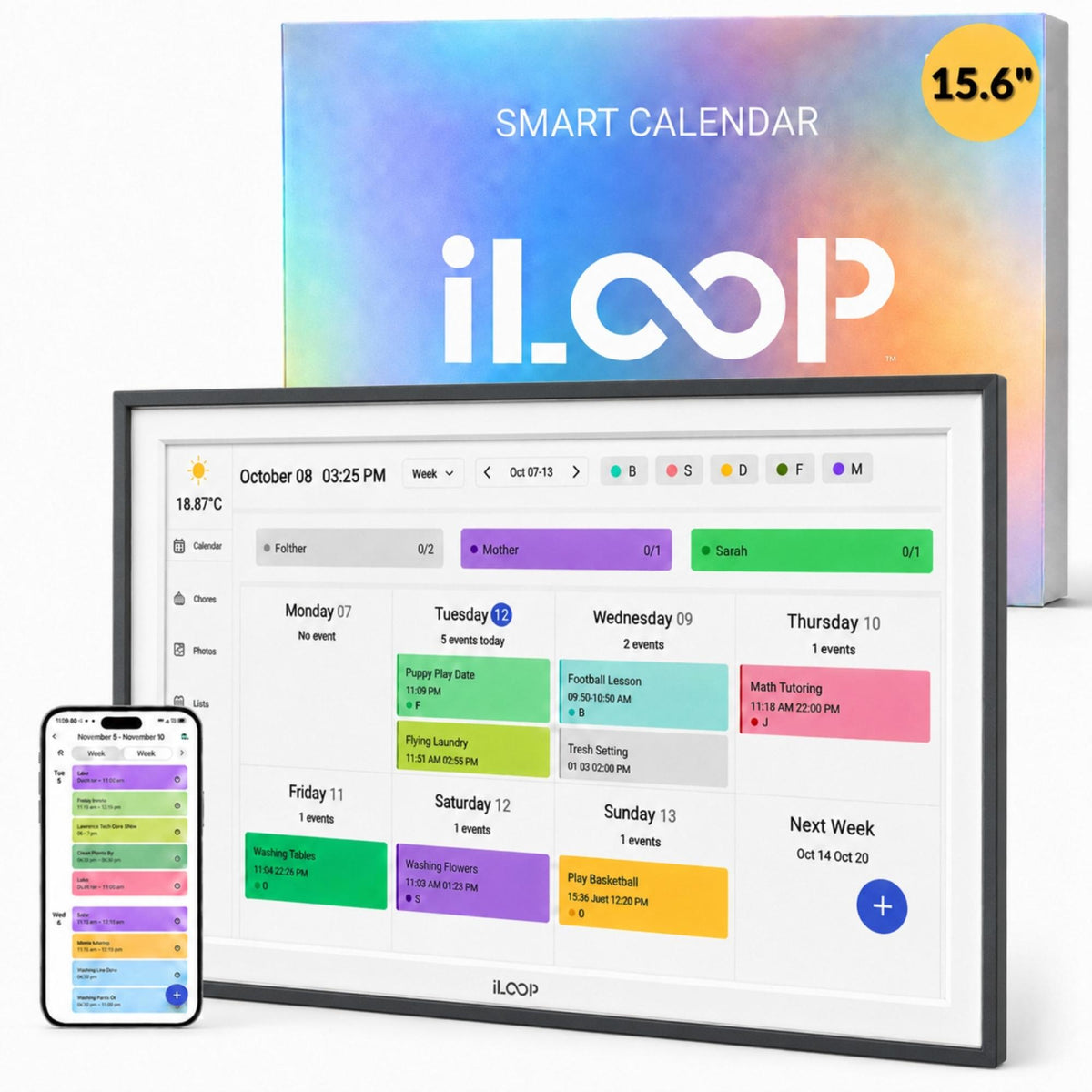
Digital Photo Frames | Stay in the Loop


iloop 15.6” Digital Photo Frame | WiFi Touch Screen, 32 GB | Frameo App | Tabletop or Wall-Mounted
Regular price
$249.90 CAD
Regular price
$329.90 CAD
Sale price
$249.90 CAD
Sale

Smart Digital Photo Frames for Connected Family Life in Canada 2026
Smart Digital Photo Frames & Calendars for Modern Canadian Families In a...

Digital Calendar Selection Guide
How to Select a Digital Calendar for a Canadian Home or Family Command Centre
Start with Screen Size
A digital calendar should be easy to read from the main family area. Larger screens work well in kitchens, entryways, and shared rooms where schedules need to be visible at a glance.
Pick the Right Location
Decide whether the display will sit on a counter or mount on the wall. The best location is usually where the household naturally checks plans, reminders, tasks, and appointments every day.
Review Included Features
Look for useful built-in tools such as calendar sync, family reminders, weather, meal planning, notes, photo display, routine tracking, and shared organization without unnecessary monthly fees.
Think About Storage
Storage is helpful when the same smart digital calendar is also used for photos, videos, family memories, and visual content in addition to daily planning.
Quick Storage Reference for Digital Calendars
Average estimates| Capacity | Approx. Photos | Approx. Full HD Video | Suggested Use |
|---|---|---|---|
| 16GB | 4,000 photos | 2 hours | Light planning and casual photo display |
| 32GB | 8,000 photos | 4 hours | Daily schedules and family memories |
| 64GB | 16,000 photos | 8 hours | Busy households with more media |
| 128GB | 32,000 photos | 17 hours | Long-term archives and heavier use |
These figures are approximate and depend on file size, resolution, compression, and video length. For families choosing a digital family calendar, the right model should combine readable screen size, practical placement, useful built-in features, and enough storage for everyday schedules plus shared memories.