


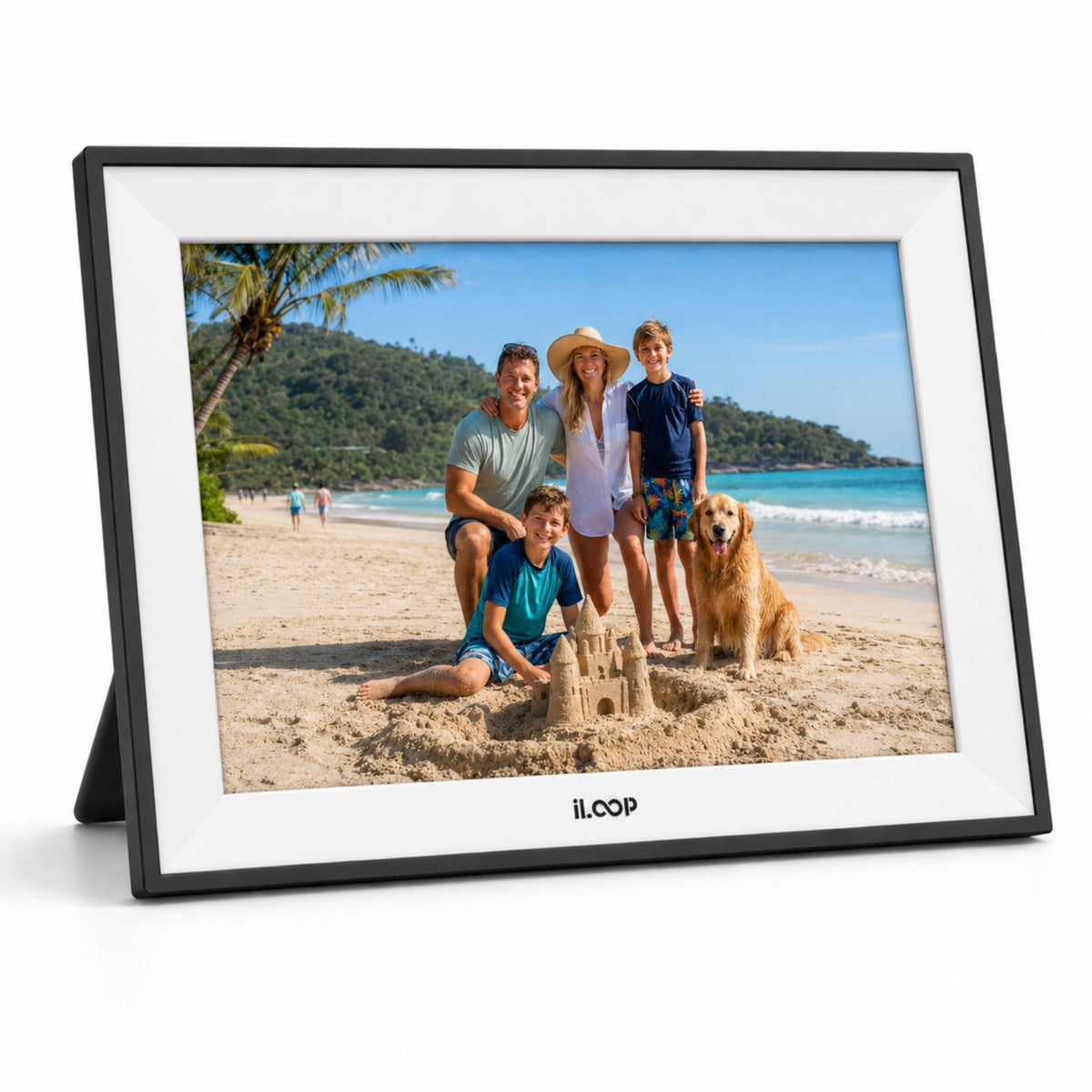
iloop 15.6” Digital Photo Frame | WiFi Touch Screen, 32 GB | Frameo App | Tabletop or Wall-Mounted
iloop 15.6” Digital Photo Frame | WiFi Touch Screen, 32 GB | Frameo App | Tabletop or Wall-Mounted
Couldn't load pickup availability
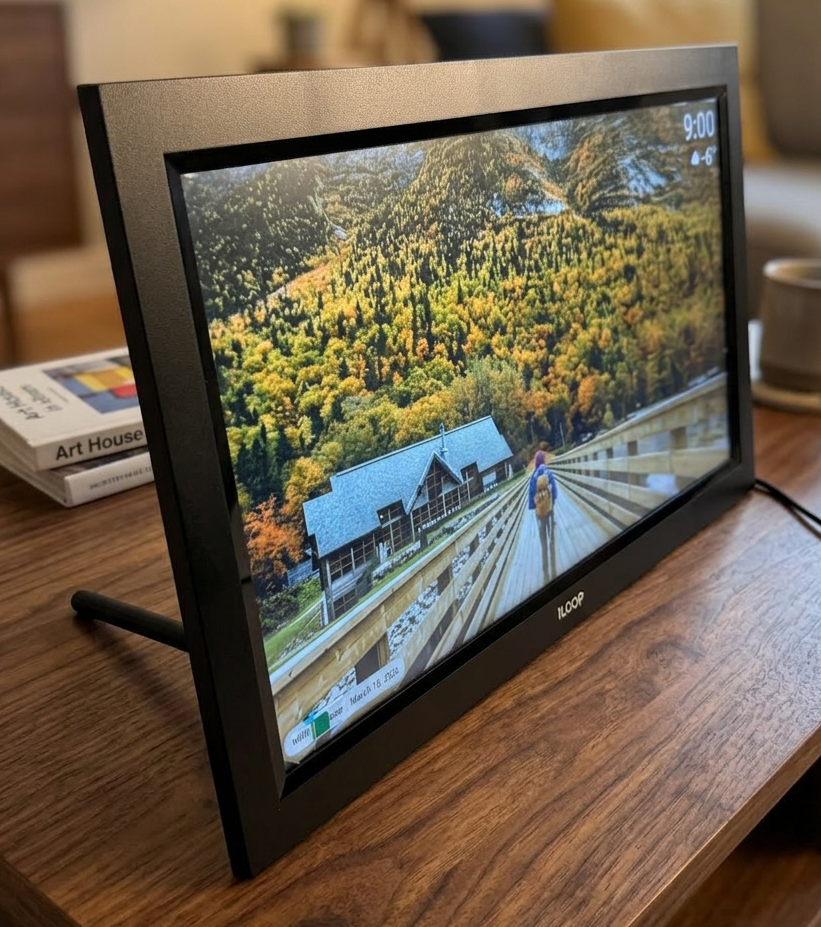
iLoop™ 15.6” Touchscreen Digital Photo Frame – WiFi Sharing, Gift Mode & Offline Viewing
Bring your favourite moments to life on a bigger, more immersive display with the iLoop™ 15.6” Touchscreen Digital Photo Frame.

Designed for families who want a modern, easy-to-use memory display, iLoop combines a large touchscreen interface, private photo sharing, and a premium gifting experience. Whether it’s placed on a tabletop or mounted on the wall, iLoop turns everyday photos into a warm, living gallery.
Large 15.6” Touchscreen Display with Smart Controls (Pinch, Crop & Zoom)
At the heart of iLoop is a 15.6-inch colour touchscreen built for comfort, clarity, and easy navigation. The intuitive interface allows you to pinch to zoom, crop images, and swipe between photos directly on the frame, without needing a computer. This makes it perfect for all users—especially parents and seniors—because it feels familiar, just like using a phone or tablet, but with a much larger screen that is easier to view from across the room.
Gift Mode – Preload Photos Without Opening the Box
iLoop is designed to deliver a powerful emotional moment the moment it’s plugged in. With Gift Mode, you can preload your favourite memories without unboxing the frame. When the recipient turns it on for the first time, they are instantly welcomed with meaningful photos already displayed—no setup stress, no learning curve.
This feature makes iLoop one of the strongest tech gifts for family members, because it feels personal and thoughtful right from the first minute.

Seamless Sharing with Friends & Family (Free App + Email Upload)
Stay connected with the people who matter most. iLoop allows friends and family members to send photos easily using:
- Free mobile app sharing
- Email photo sending
This makes it ideal for parents and grandparents—especially in long-distance families—because everyone can contribute photos anytime, turning the iLoop frame into a shared family hub for memories.

Offline Mode – Enjoy Photos Without Wi-Fi
Even without Wi-Fi, iLoop continues to work as a reliable photo display. With Offline Mode, you can view your existing stored photos without an internet connection.
Wi-Fi is only required to upload or receive new photos, making iLoop perfect for cottages, travel use, and rooms with unstable internet—while still keeping photos always available.

Flexible Setup: Tabletop Display or Wall-Mountable
The iLoop 15.6” frame is built to fit naturally into any space. You can use it as:
- A tabletop frame for desks, counters, bedrooms, or kitchen areas
- A wall-mounted digital frame for living rooms, hallways, or office environments
Its modern design and clean appearance allow it to blend into any décor while showcasing memories beautifully.
A Premium Gift for Family & Friends (Gift-Ready Package)
The iLoop 15.6” Digital Photo Frame is one of the most meaningful gifts you can give—because it delivers connection, emotion, and memories in one premium product. With Gift Mode, the frame becomes personalized even before it’s opened, making it ideal for gifting with a strong first impression.
Perfect for:
- Parents & grandparents
- Birthdays and anniversaries
- Weddings and housewarming gifts
- New baby memories and family milestones
- Holiday gifting
The frame comes in a gift-ready package, making it easy to present as a premium item—while the experience feels personal, modern, and memorable.


Quick Links
TUTT Digital Calendar Photo Frame | iLoop Digital Calendars ON BEST BUY | TUTT PORTABLE MONITOR COLLECTION
Frameo App Media Resources for TUTT & iLoop Digital Photo Frames
Use this product-page media guide to learn Frameo setup, calendar customization, display views, collage mode, HD video playback, sync options, and gift use cases for compatible TUTT and iLoop digital photo frames.
What Is the Frameo App?
Frameo is a widely used photo frame app for compatible WiFi digital photo frames. It helps families connect a phone to a frame, send photos and short videos, invite approved family members, display captions and greetings, organize views, and keep frame content updated through sync tools.
Setup & Calendar Quick start, calendar setup, daily planning 01
Setup & Calendar Video Guides
Quick start, calendar setup, daily planning
01 Frameo Calendar Customization Customize the calendar experience on a Frameo-compatible iLoop or TUTT digital photo frame, including calendar view, schedule display, reminders, and daily planning. Open Video
05 Frameo Quick Start Guide First-use setup guide for connecting the Frameo app, adding a frame, sending photos and videos, and inviting family members. Open Video
06 Frameo Calendar Setup Guide Set up the calendar feature on a compatible Frameo digital photo frame for schedules, reminders, family planning, and home organization. Open Video
Display & Media Features Views, collage, HD video, force sync and auto sync 02
Display & Media Features Video Guides
Views, collage, HD video, force sync and auto sync
02 Frameo Change Views Guide Change and adjust display views so photos, videos, calendar content, and daily memories appear in the preferred layout on the frame. Open Video
03 Frameo Collage & HD Video Guide Use collage-style photo display and HD video playback features to make the digital photo frame more dynamic for family memories. Open Video
04 Frameo Force Sync & Auto Sync Guide Understand Force Sync and Auto Sync for manually refreshing or automatically keeping photos, videos, and frame content updated. Open Video
Gift Use Cases Family gifting, fathers, birthdays, shared memories 03
Gift Use Cases Video Guides
Family gifting, fathers, birthdays, shared memories
07 Frameo Gift for Everyone Position a Frameo-compatible digital photo frame as a practical gift for family members, friends, grandparents, and loved ones. Open Video
08 Frameo Gift for Father A gift guide for fathers, dads, and grandfathers, focused on sharing family photos and video memories. Open Video
09 Frameo Family Gift Guide Why a Frameo-compatible iLoop or TUTT frame works as a family gift for sharing memories across households and generations. Open Video
10 Frameo Birthday Gift Guide A birthday gift idea for parents, grandparents, friends, and family members, with easy photo and video sharing. Open Video
Frameo Feature Image Gallery
Select a thumbnail to preview Frameo calendar, collage, greeting, gallery, sync, and sharing use cases inside the Apple-style display frame.

Frequently Asked Questions
Technical FAQ for Frameo-compatible iLoop and TUTT digital photo frames. Open only the language you need.
English FAQ
1. What is the Frameo app used for on iLoop and TUTT digital photo frames?
The Frameo app is used to connect a smartphone to a compatible WiFi digital photo frame, then send photos, short videos, captions, and shared family memories to the frame remotely.
2. How does the Frameo friend code connection work?
The frame generates a unique friend code from the frame menu. The code is entered in the Frameo app to connect the phone to the frame. Frameo support notes that generated friend codes are valid for 12 hours; once accepted, the phone and frame remain connected for future sharing.
3. Is Frameo encrypted for photo and video sharing?
Frameo describes secure sharing with encryption for transferred photos and videos. For Frameo+ Cloud Backup, Frameo states that media and related data are encrypted on the frame before being sent to cloud storage, using client-side encryption.
4. What is the difference between local storage and Frameo+ Cloud Backup?
Local storage keeps photos and videos on the digital photo frame itself, depending on the model storage capacity. Frameo+ Cloud Backup is an optional subscription feature designed to back up supported frame media with client-side encryption.
5. What is Force Sync and when should it be used?
Force Sync is useful when the user wants to manually refresh the frame after adding new photos, videos, calendar changes, or shared content. Auto Sync is the normal background update process when the frame is online.
6. Can Frameo send HD videos and multiple photos?
Frameo supports photo and video sharing on compatible frames. Standard free-app limits and Frameo+ limits can differ by app version, country, subscription status, and frame firmware, so users should confirm current limits inside the Frameo app.
7. Can Frameo-compatible frames show calendar content?
Yes, supported Frameo-compatible frames can include calendar-related features such as schedule display, reminders, daily planning, and view customization. Availability depends on the frame model, firmware, and current Frameo app support.
8. Does the frame need WiFi all the time?
WiFi is required for remote Frameo sharing, syncing, invitations, and app-based updates. Photos already stored on the frame may remain available offline, and some models may also support local transfer or removable storage depending on product specifications.
9. What should I check if Frameo content is not updating?
Check that the frame is powered on, connected to WiFi, using the correct Frameo account or friend connection, and running current app or firmware versions. If content still does not appear, try Force Sync, restart the frame, and confirm the sender is connected to the correct frame.
FAQ Français
1. À quoi sert l’application Frameo sur les cadres photo numériques iLoop et TUTT?
L’application Frameo sert à connecter un téléphone intelligent à un cadre photo numérique WiFi compatible, puis à envoyer à distance des photos, de courtes vidéos, des légendes et des souvenirs familiaux partagés.
2. Comment fonctionne le code ami Frameo?
Le cadre génère un code ami unique dans le menu du cadre. Ce code est entré dans l’application Frameo pour connecter le téléphone au cadre. Selon l’assistance Frameo, un code généré est valide pendant 12 heures; une fois accepté, le téléphone et le cadre restent connectés pour les prochains partages.
3. Frameo utilise-t-il le chiffrement pour les photos et vidéos?
Frameo décrit un partage sécurisé avec chiffrement pour les photos et vidéos transférées. Pour la sauvegarde infonuagique Frameo+, Frameo indique que les médias et données associées sont chiffrés sur le cadre avant leur envoi vers le stockage cloud, avec un chiffrement côté client.
4. Quelle est la différence entre le stockage local et Frameo+ Cloud Backup?
Le stockage local conserve les photos et vidéos directement sur le cadre, selon la capacité du modèle. Frameo+ Cloud Backup est une fonction optionnelle par abonnement qui permet de sauvegarder les médias compatibles du cadre avec chiffrement côté client.
5. À quoi sert Force Sync?
Force Sync est utile lorsqu’un utilisateur veut actualiser manuellement le cadre après l’ajout de photos, vidéos, changements de calendrier ou contenus partagés. Auto Sync correspond au processus normal de mise à jour en arrière-plan lorsque le cadre est en ligne.
6. Frameo peut-il envoyer des vidéos HD et plusieurs photos?
Frameo prend en charge le partage de photos et de vidéos sur les cadres compatibles. Les limites de l’application gratuite et de Frameo+ peuvent varier selon la version de l’application, le pays, l’abonnement et le micrologiciel du cadre.
7. Les cadres compatibles Frameo peuvent-ils afficher un calendrier?
Oui, certains cadres compatibles Frameo peuvent inclure des fonctions liées au calendrier, comme l’affichage d’horaires, les rappels, la planification quotidienne et la personnalisation des vues. La disponibilité dépend du modèle, du micrologiciel et du support Frameo actuel.
8. Le cadre doit-il toujours être connecté au WiFi?
Le WiFi est requis pour le partage Frameo à distance, la synchronisation, les invitations et les mises à jour depuis l’application. Les photos déjà stockées sur le cadre peuvent rester disponibles hors ligne, et certains modèles peuvent aussi accepter un transfert local ou un stockage amovible.
9. Que vérifier si le contenu Frameo ne se met pas à jour?
Vérifiez que le cadre est allumé, connecté au WiFi, associé au bon compte ou au bon contact Frameo, et que l’application ou le micrologiciel est à jour. Si le contenu n’apparaît toujours pas, essayez Force Sync, redémarrez le cadre et confirmez que l’expéditeur est connecté au bon cadre.
 Powered by Bee Logic




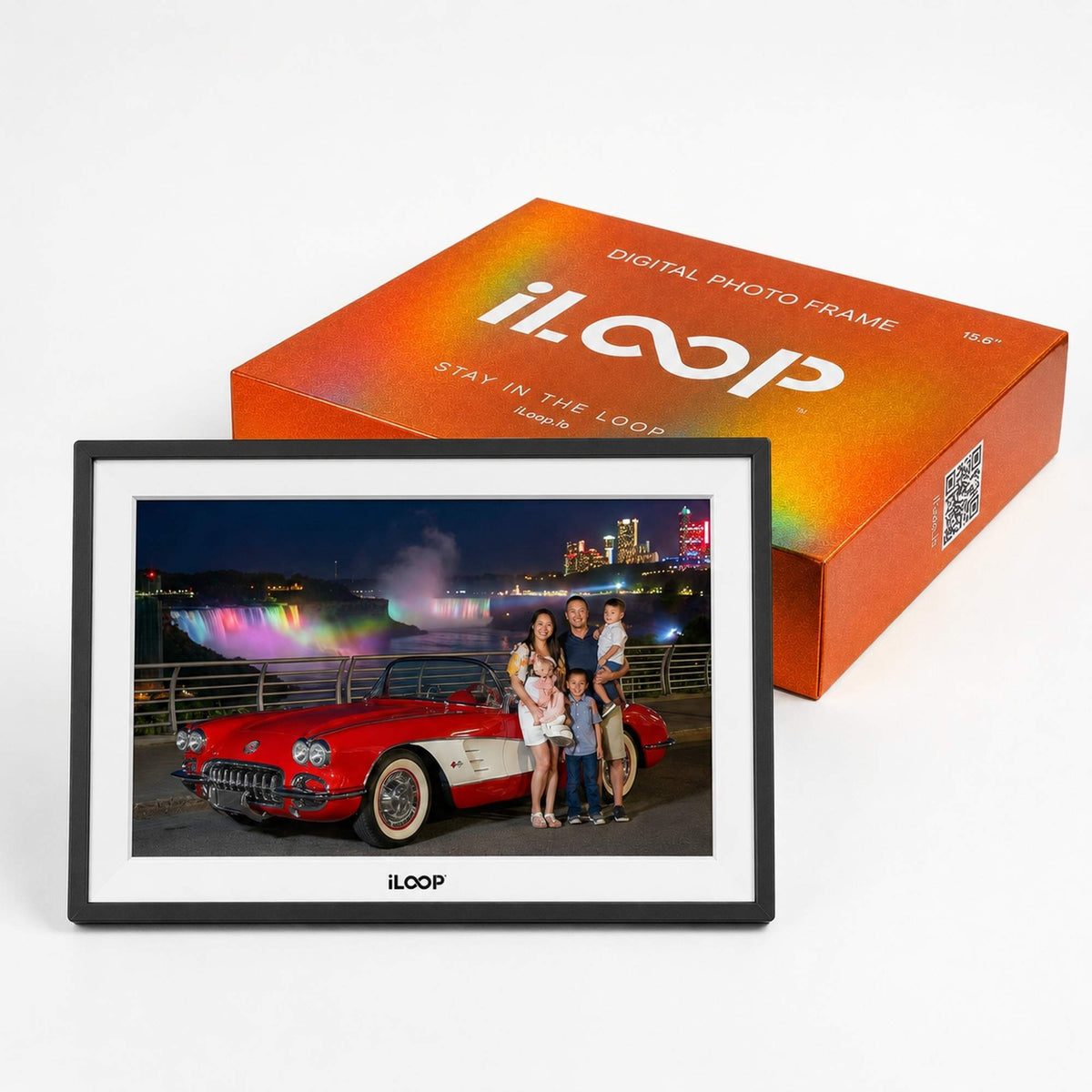
Customers praised this 15.6" WiFi digital photo frame with touch screen and 32GB storage. Shoppers described a "fantastic experience" with "easy" setup and appreciated the "well packaged" delivery. The included complimentary gift was a pleasant surprise that delighted buyers.
- Fantastic experience - Easy and well packaged with a lovely little gift
The screen is really clear, even with direct sunlight from nearby windows.

I’m very satisfied with the quality and performance.
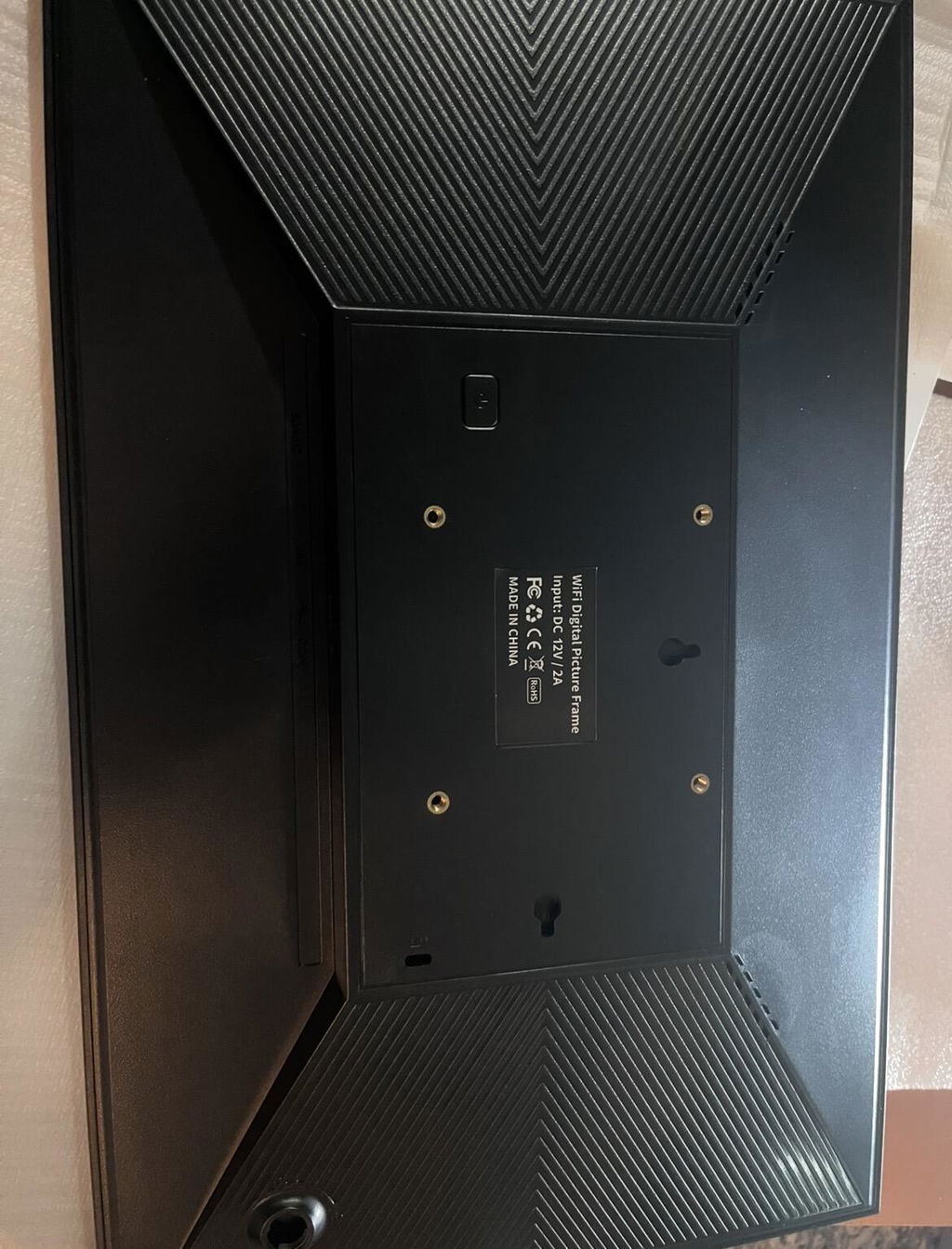
The packaging was clean and professional, and setup with the Frameo app was quick and stable. One feature I didn’t expect—but really appreciated—is the VESA mount on the back, which adds great flexibility for wall installation.
The build quality is solid and robust, and the 15.6” touchscreen delivers clear, vibrant images. The 32GB storage is more than sufficient for everyday use.
Shipping was also faster than expected.
Overall, a well-built and reliable product that I would confidently recommend.
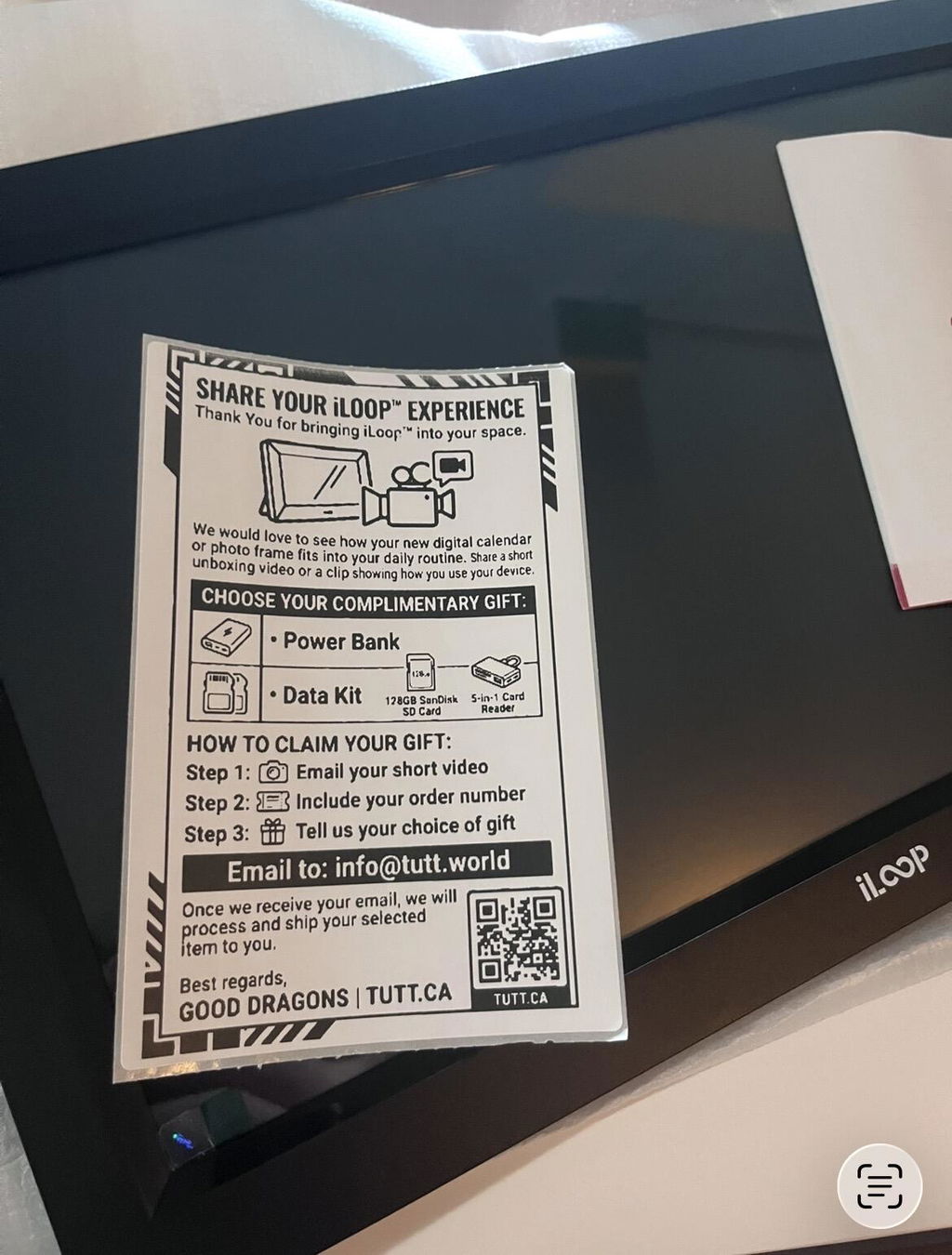
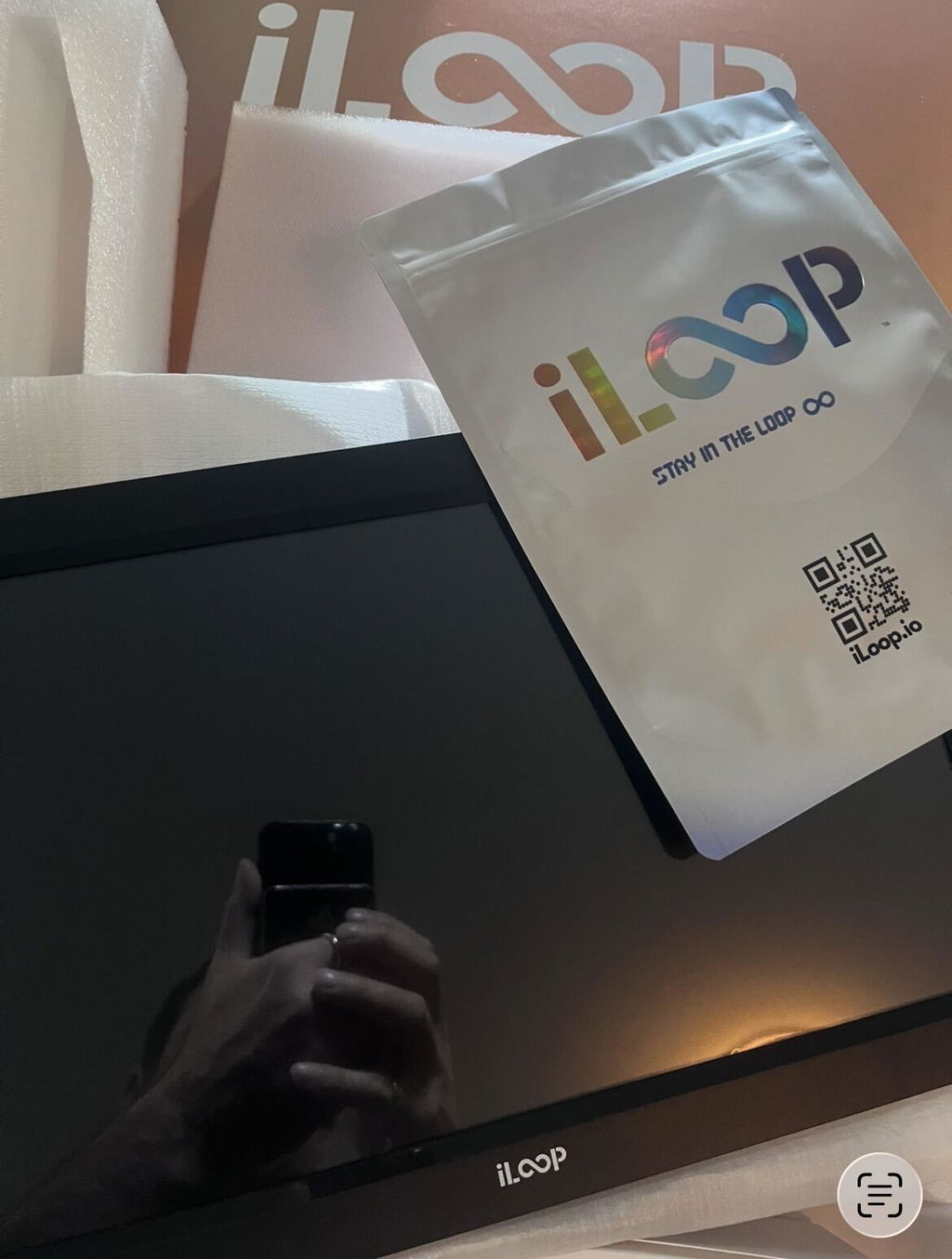
Got this for my parents out in Nova Scotia so we can send them pictures of the kids. The picture quality and colours are not bad. The app is pretty straightforward once you get the hang of it.
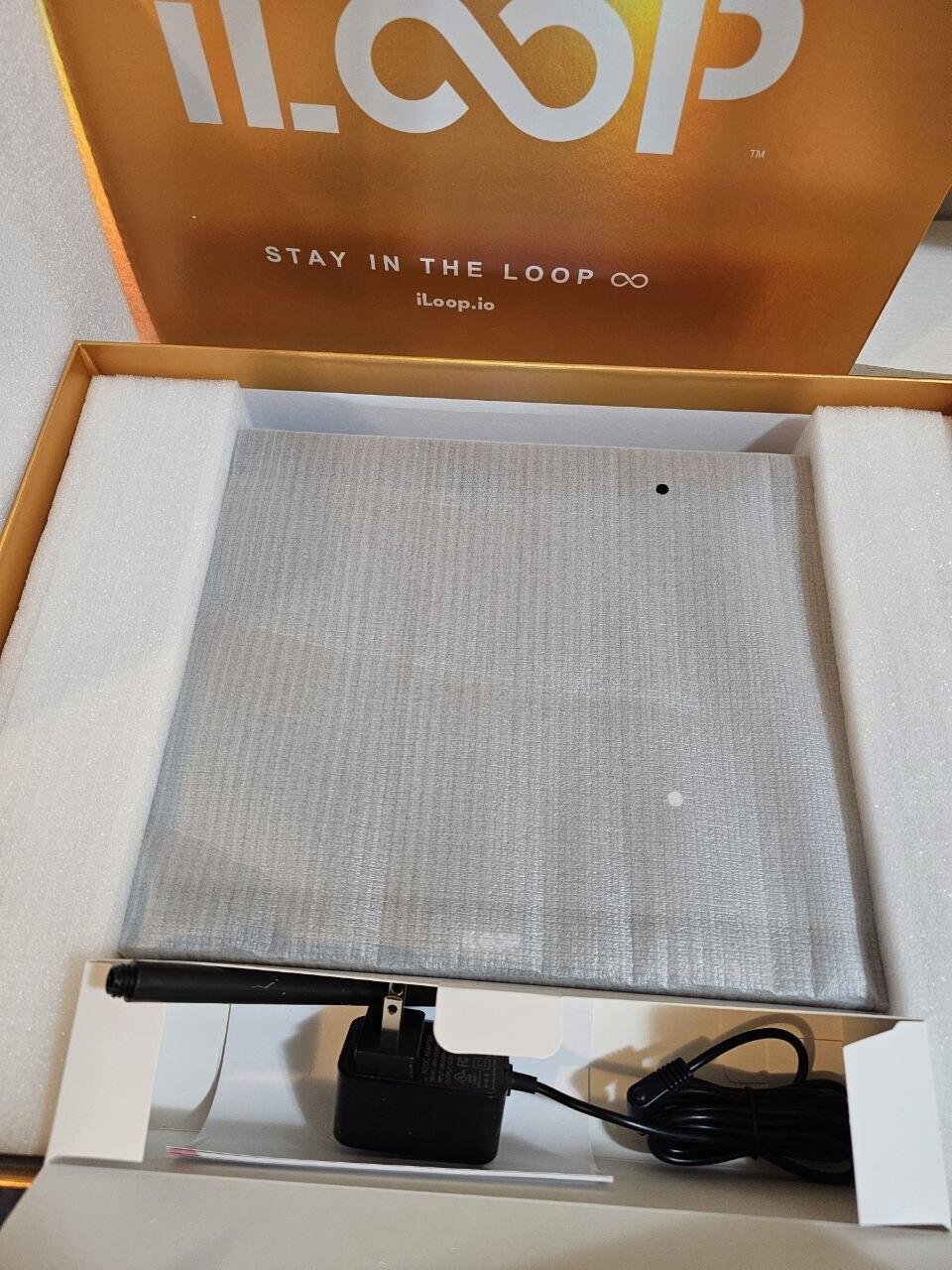
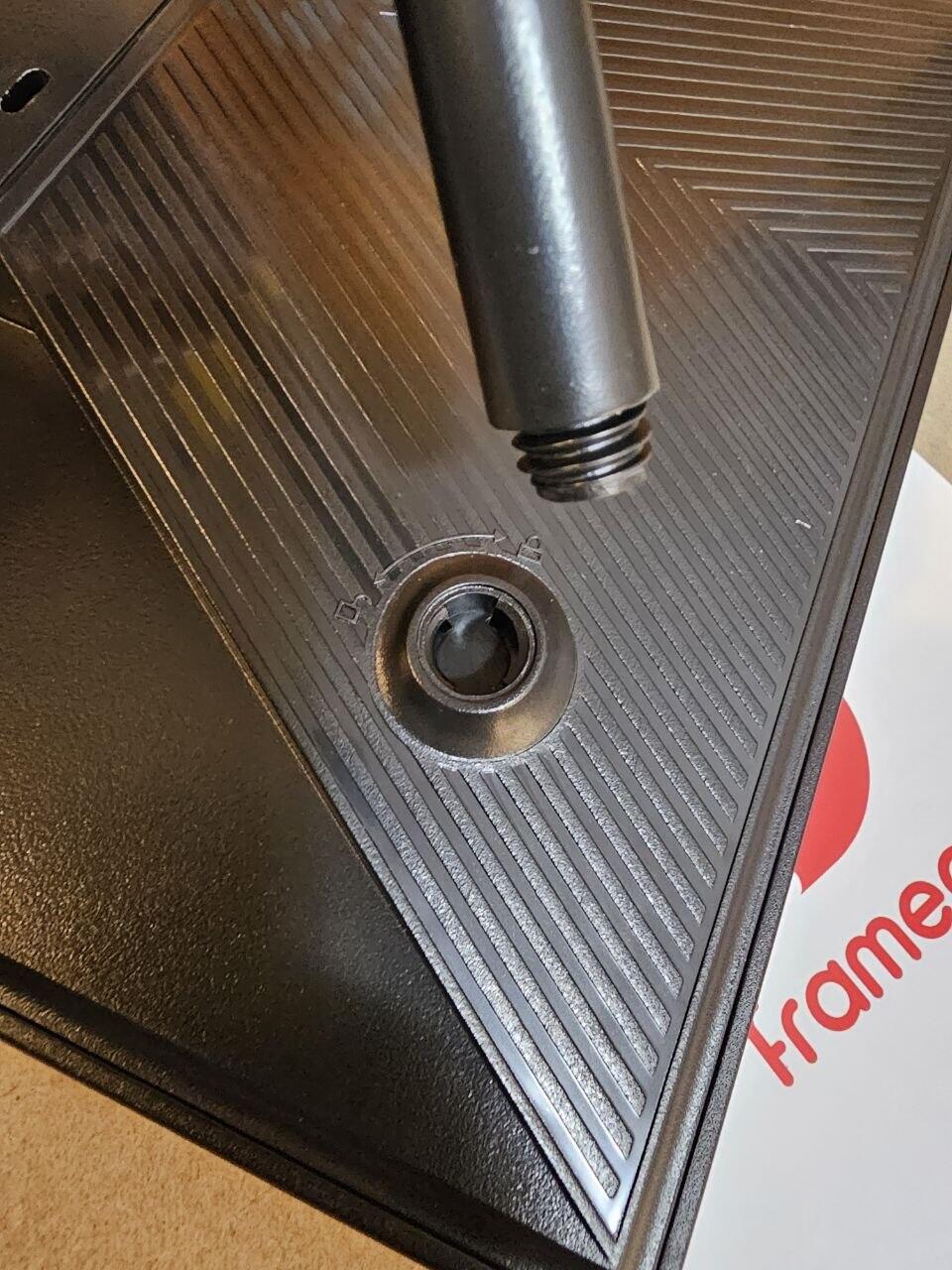
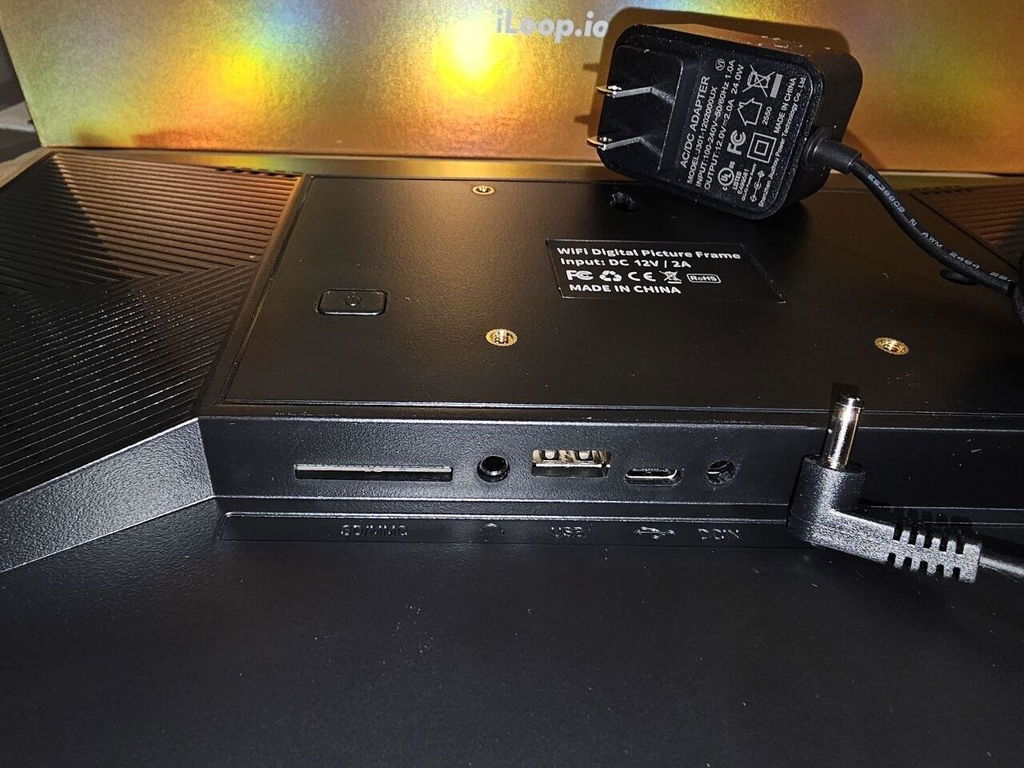
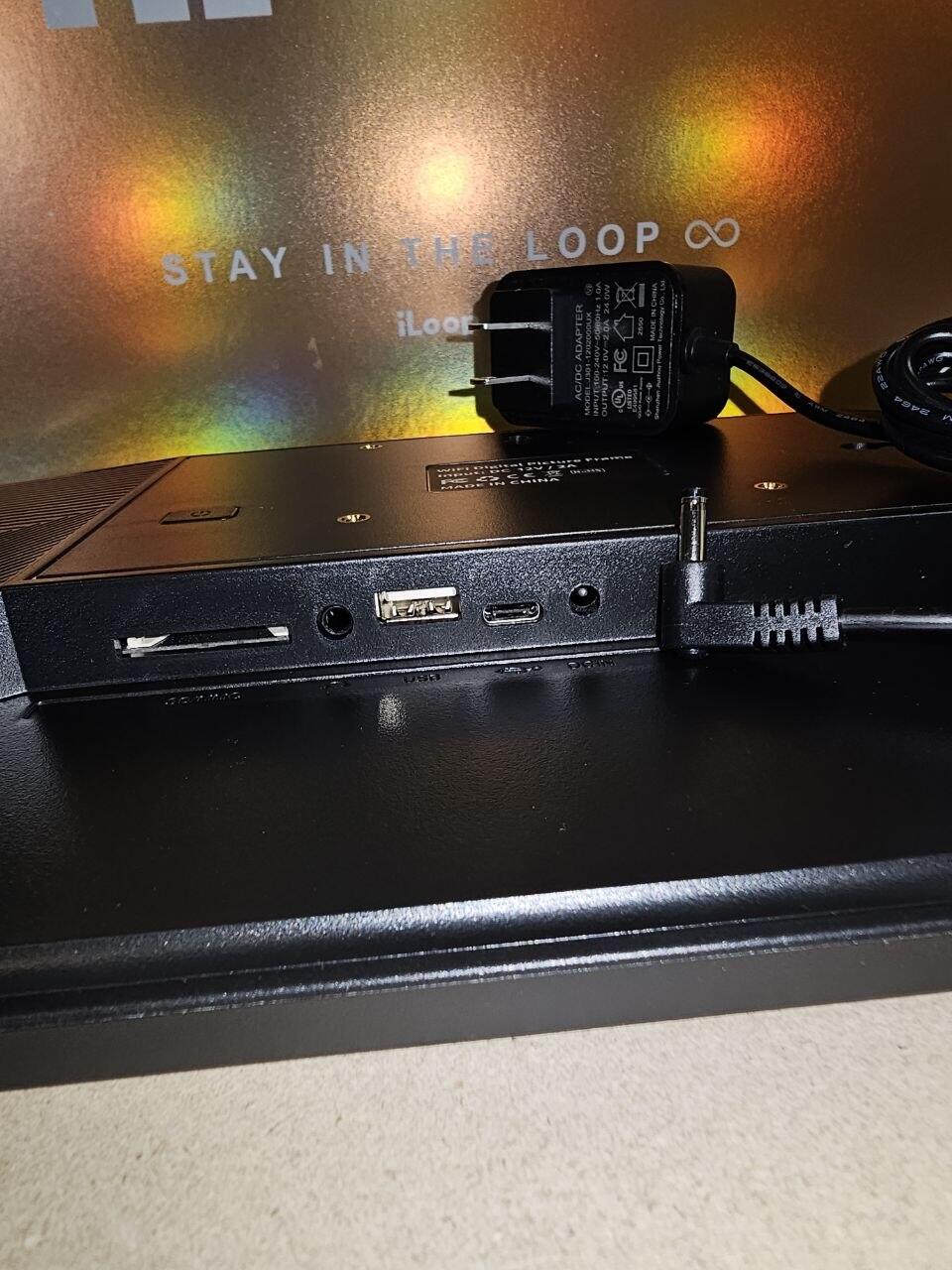
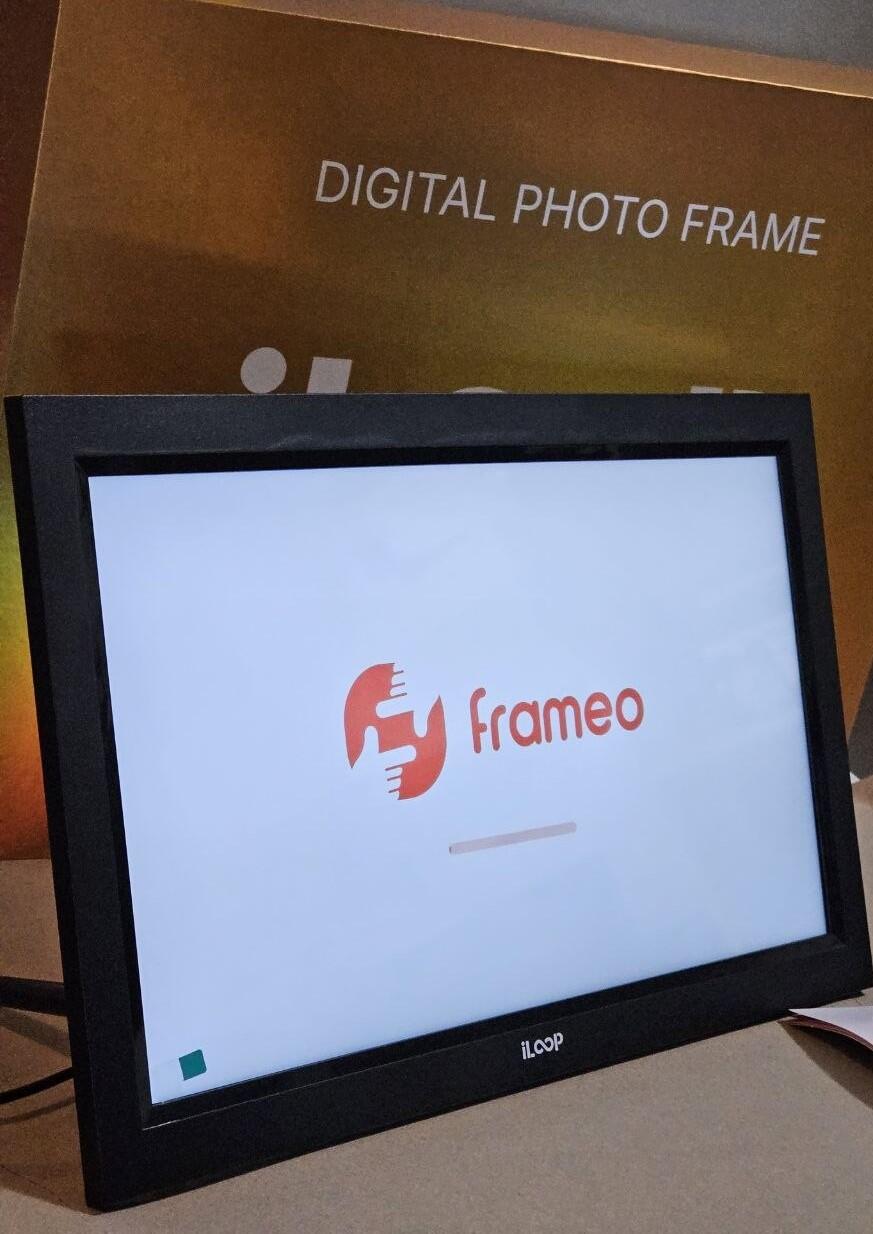
Ordered the iloop to share cottage pics with the family out in BC. The screen size and colours are spot on. The app is super easy to use once you get the hang of it. I am giving it four stars just because the power cord is a bit short for my living room setup. Overall, a really good enough frame for the price.
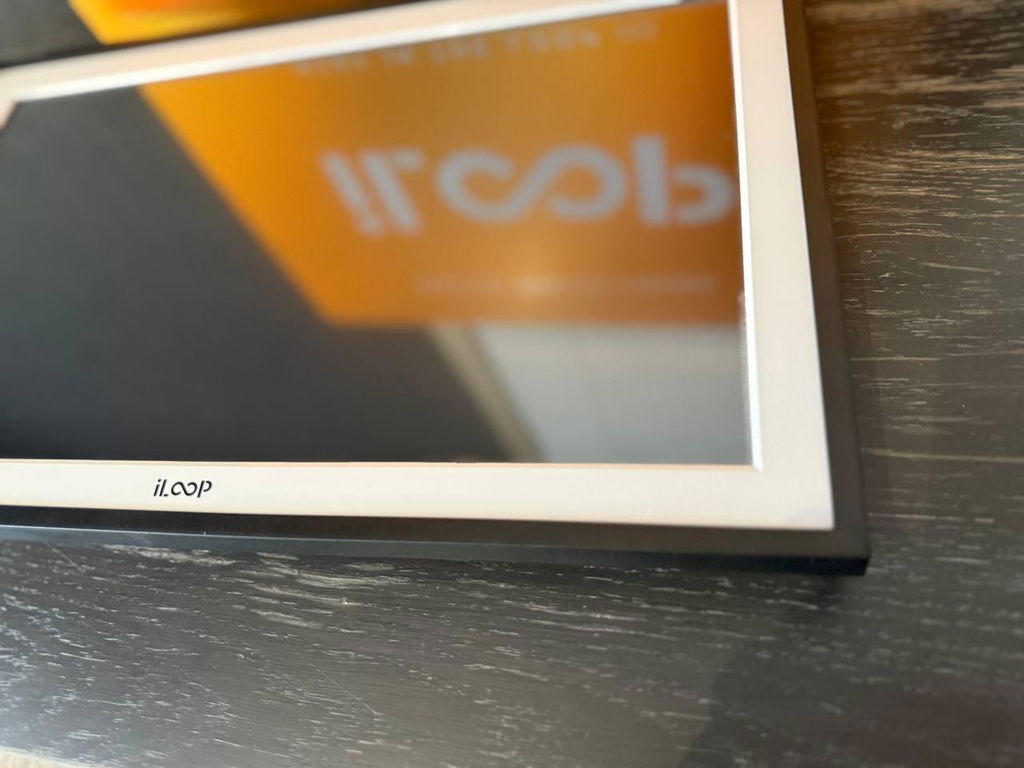
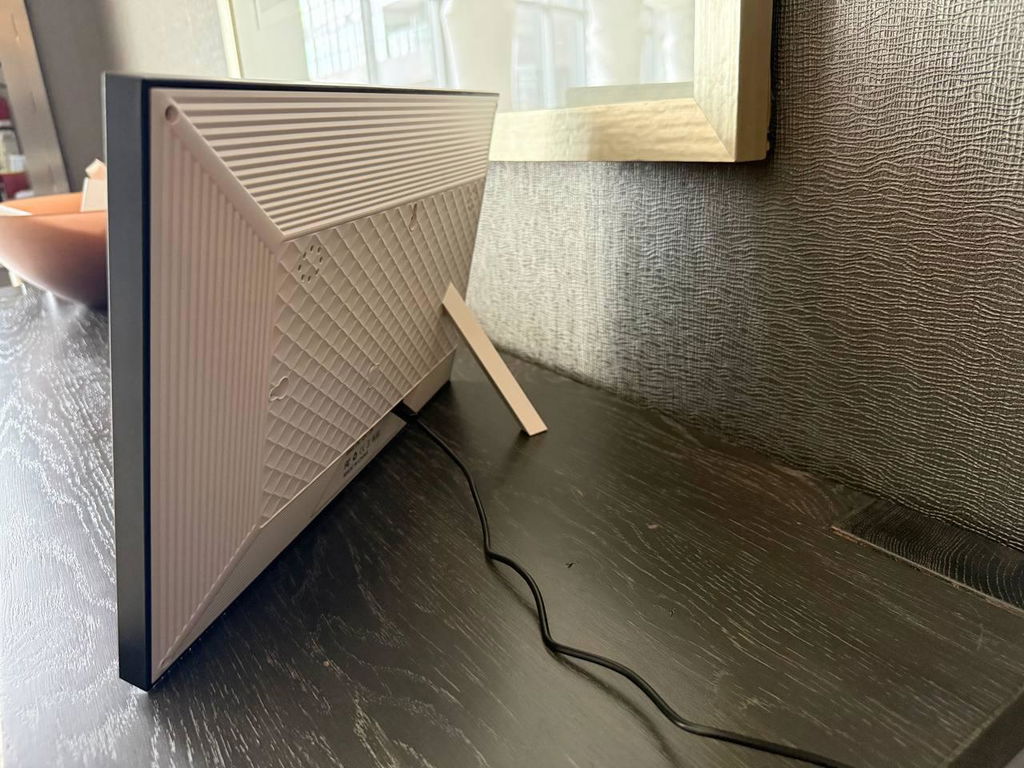
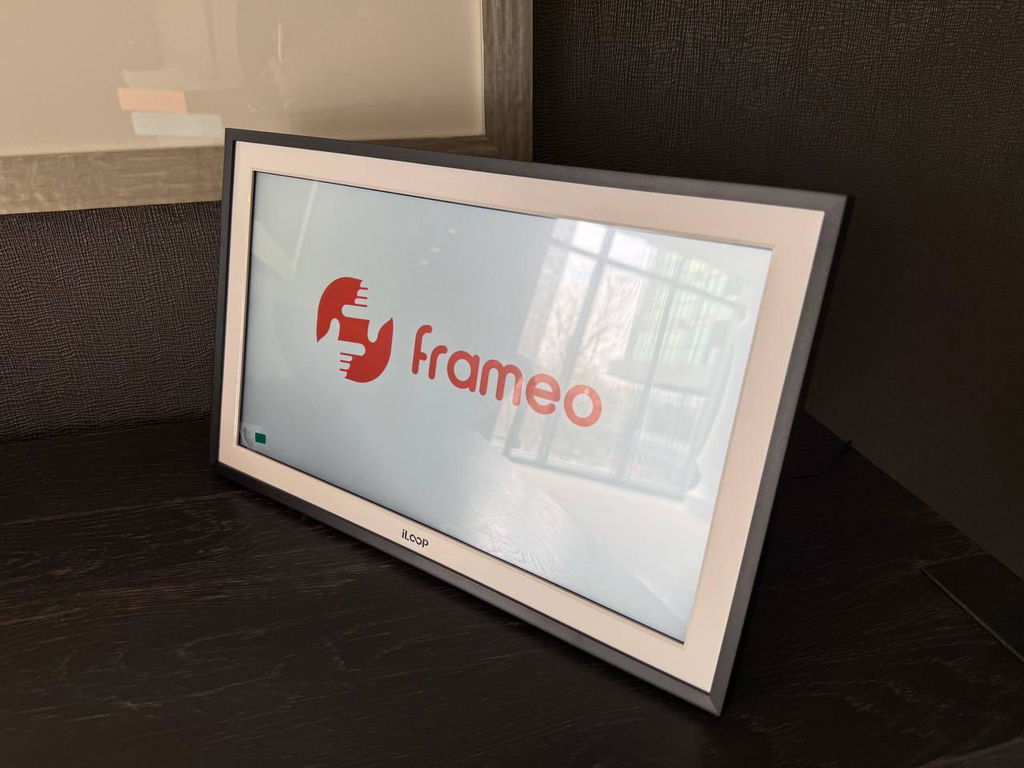
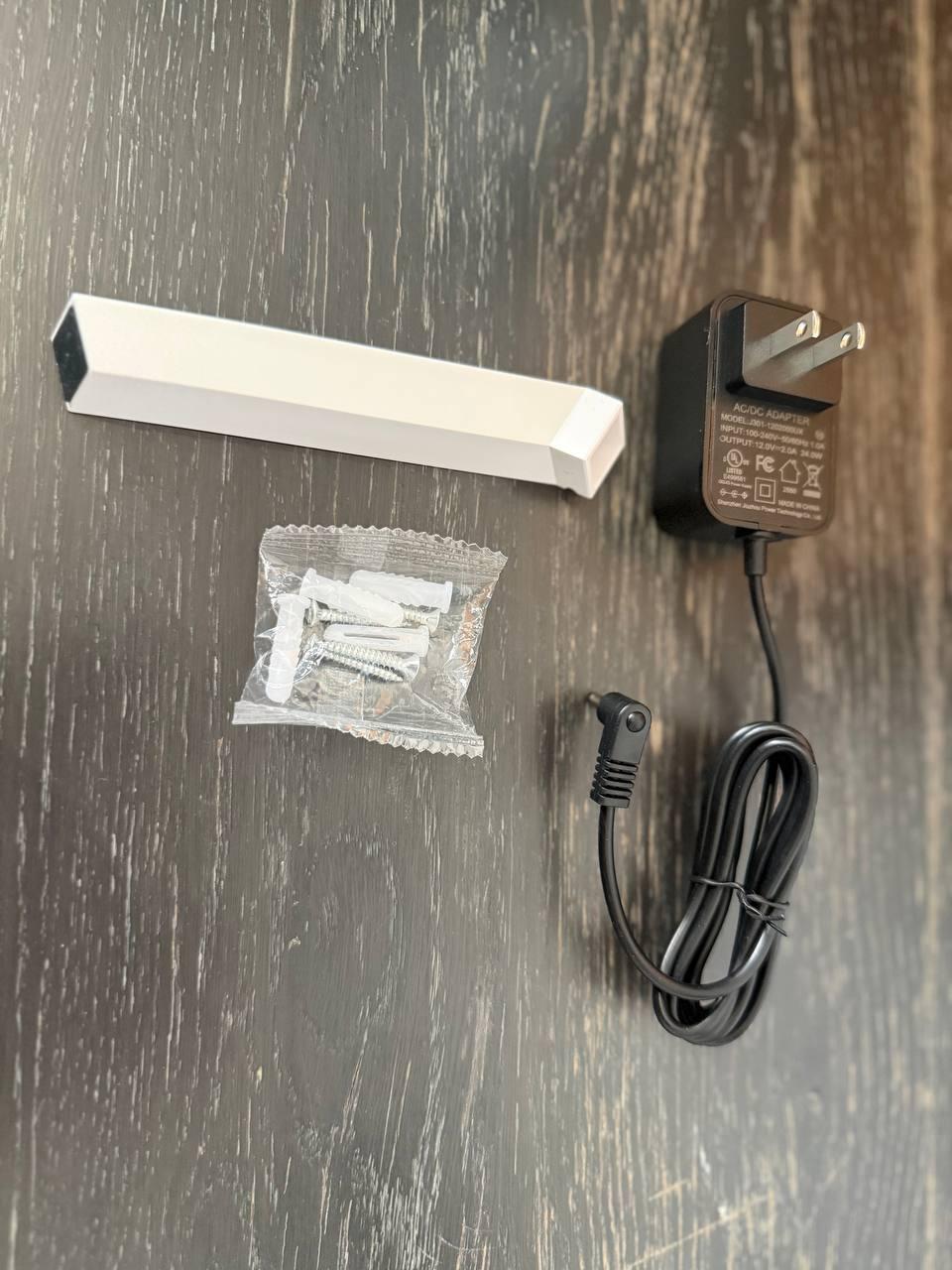
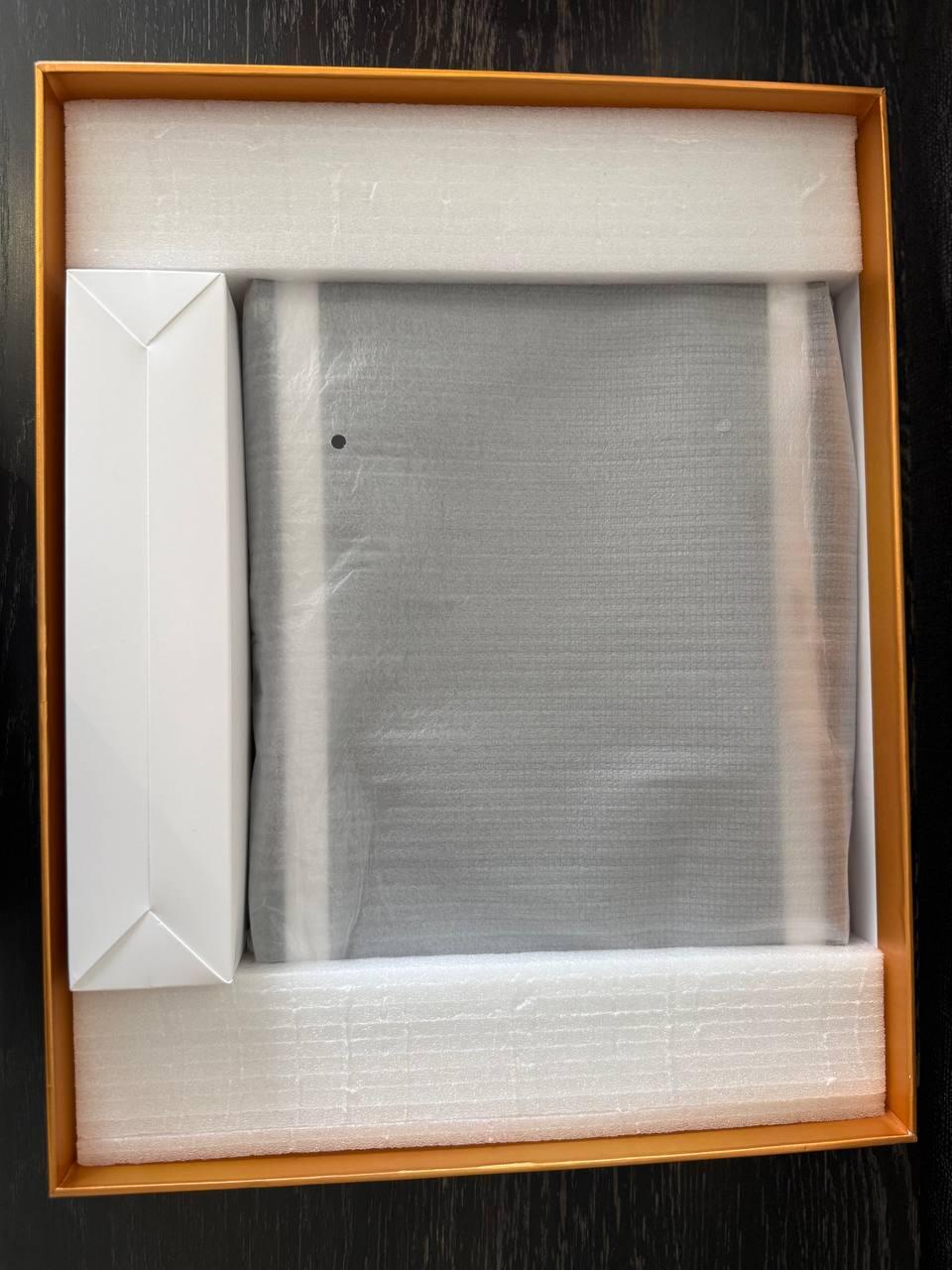
I received it broken
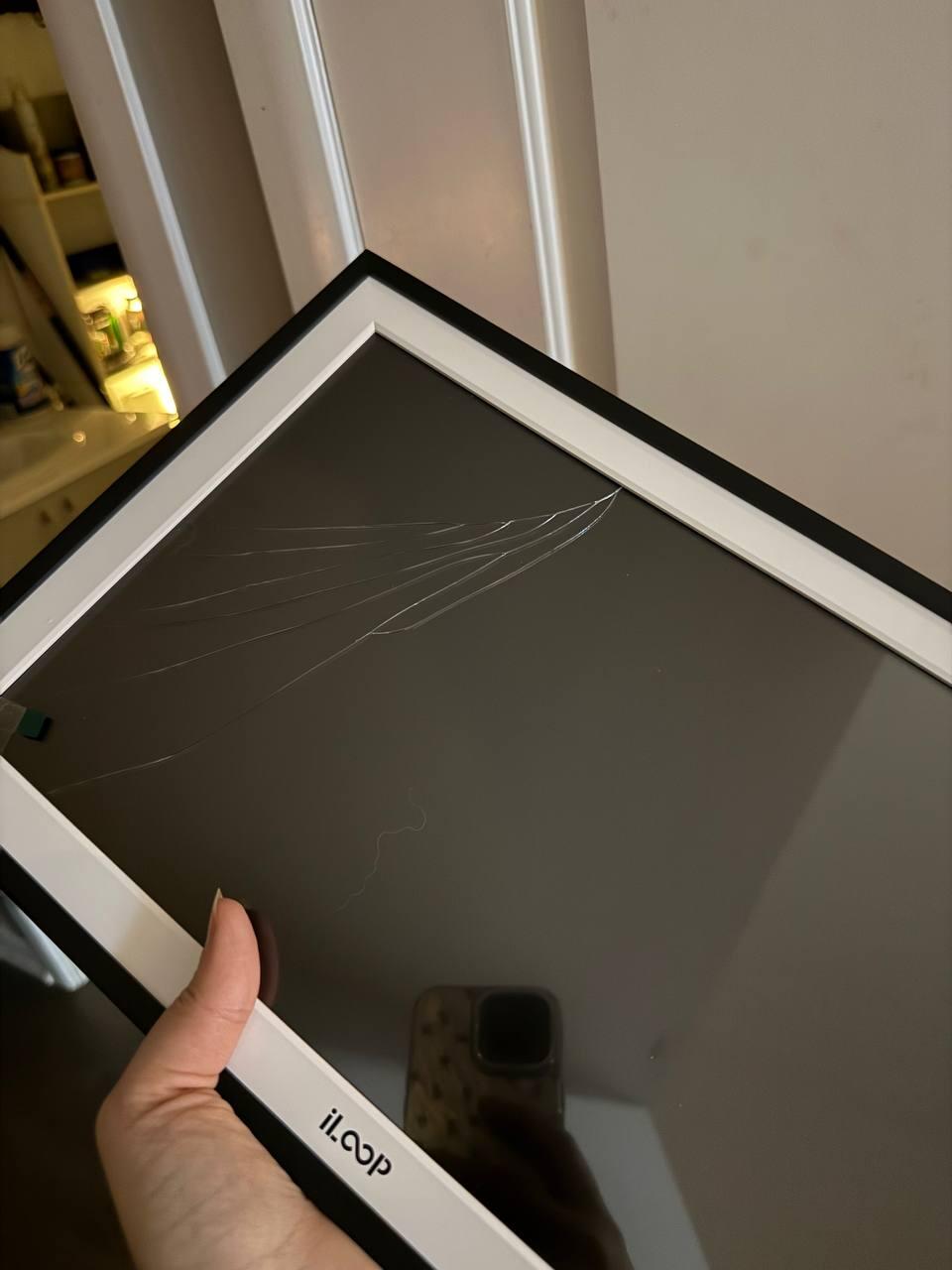
We are sorry to hear that your iloop 15.6” Digital Photo Frame arrived with a broken LCD. We understand how frustrating this must be for you. Please accept our sincere apologies for any inconvenience caused.
We would like to assist you with this issue and ensure that you can fully enjoy our product. Please contact us for a replacement and our team will be more than happy to assist you. Your satisfaction is our top priority.
TUTT
delivered a day after BB
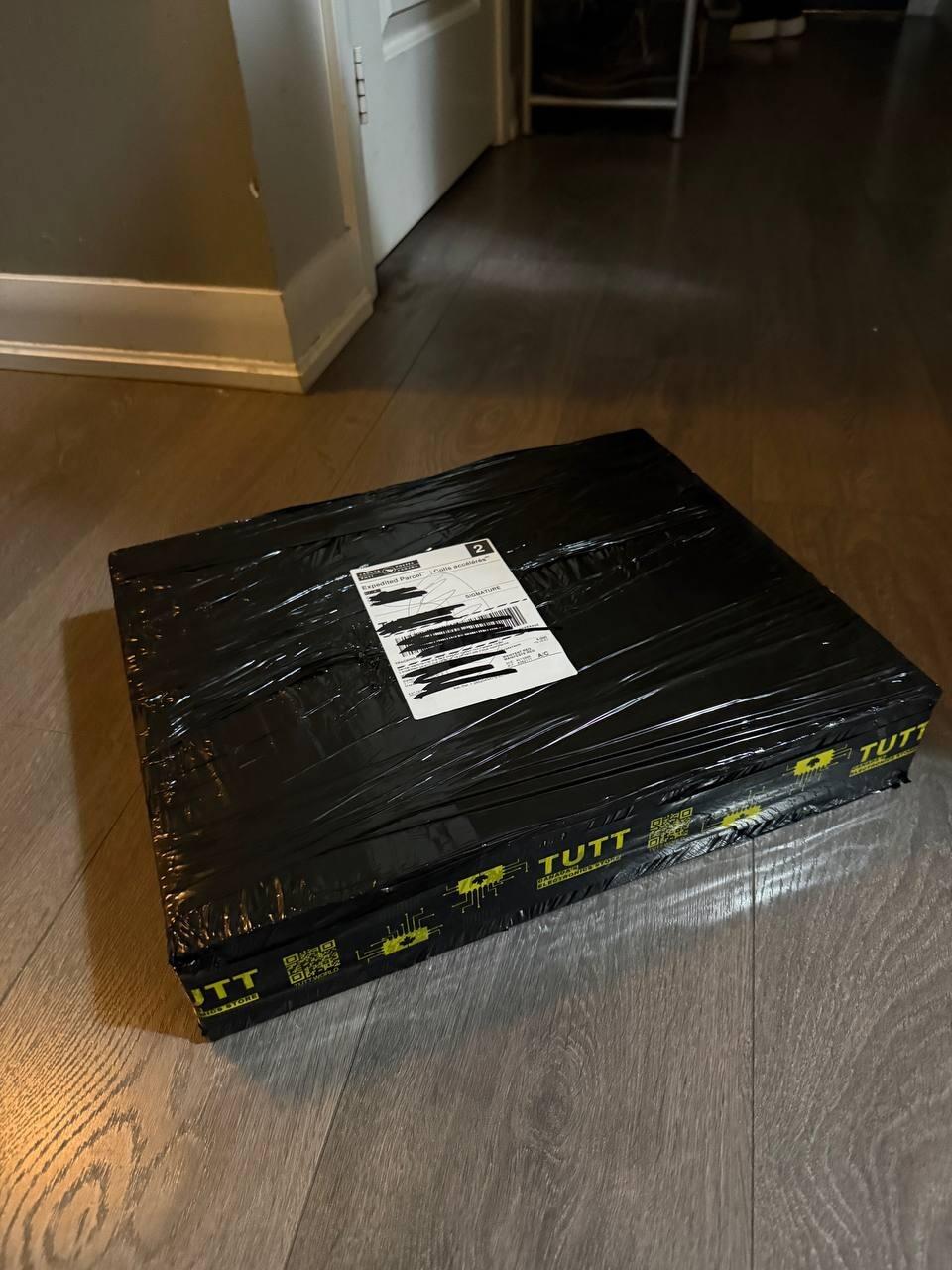
works as advertised. 2 days delivery to Montreal.
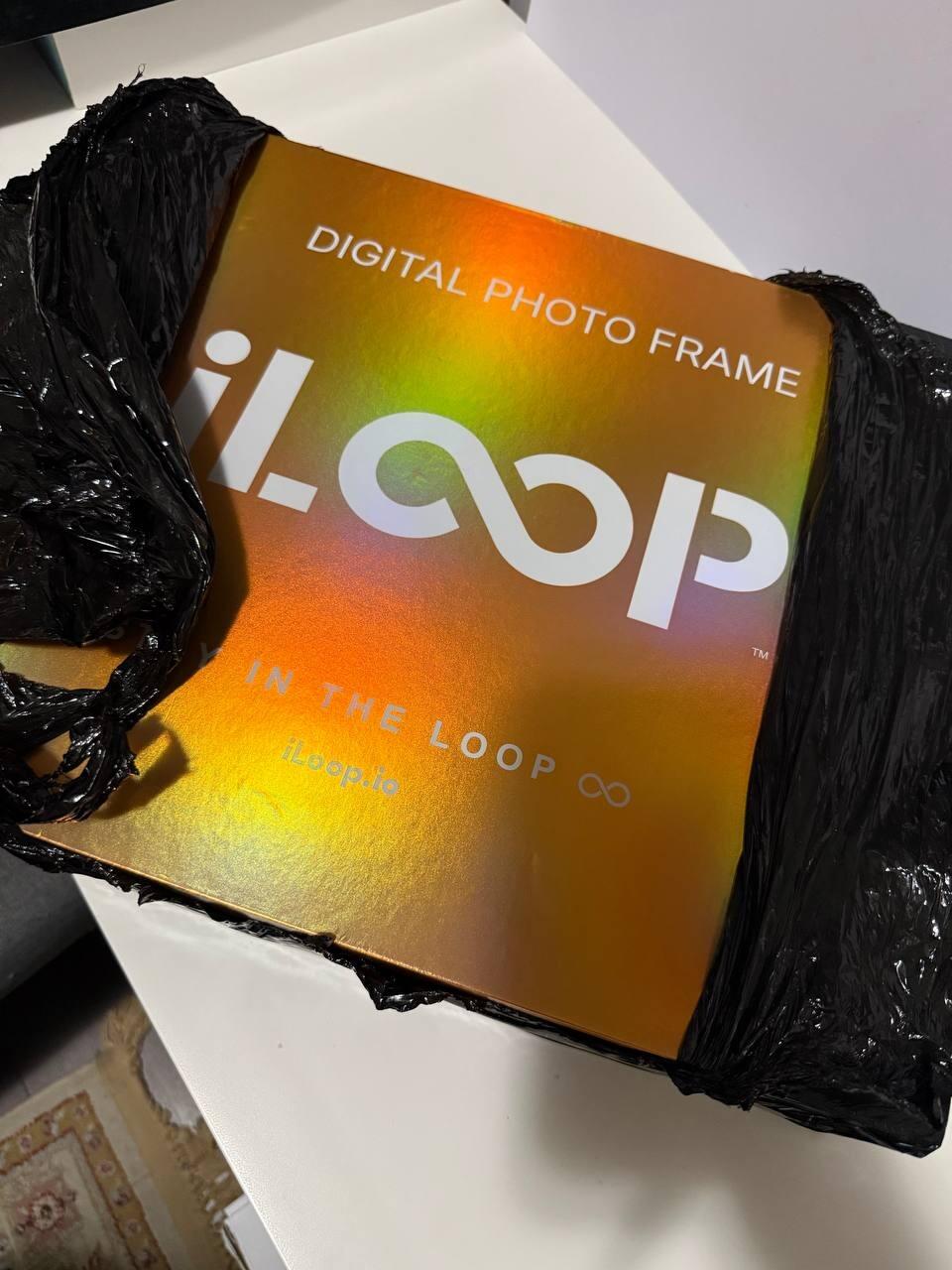
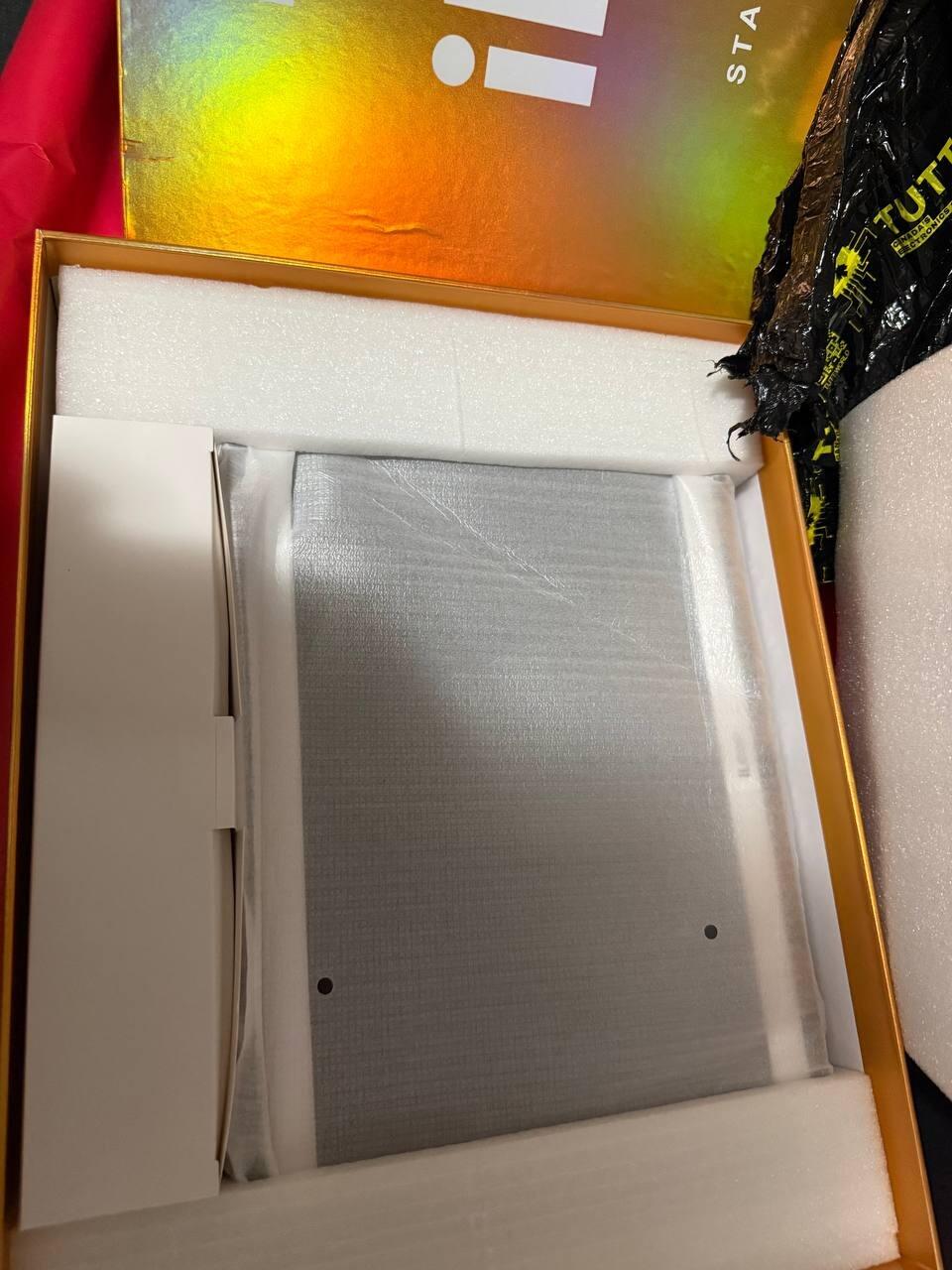
the packaging came from another universe, but the photo frame itself is just normal photo frame like the others

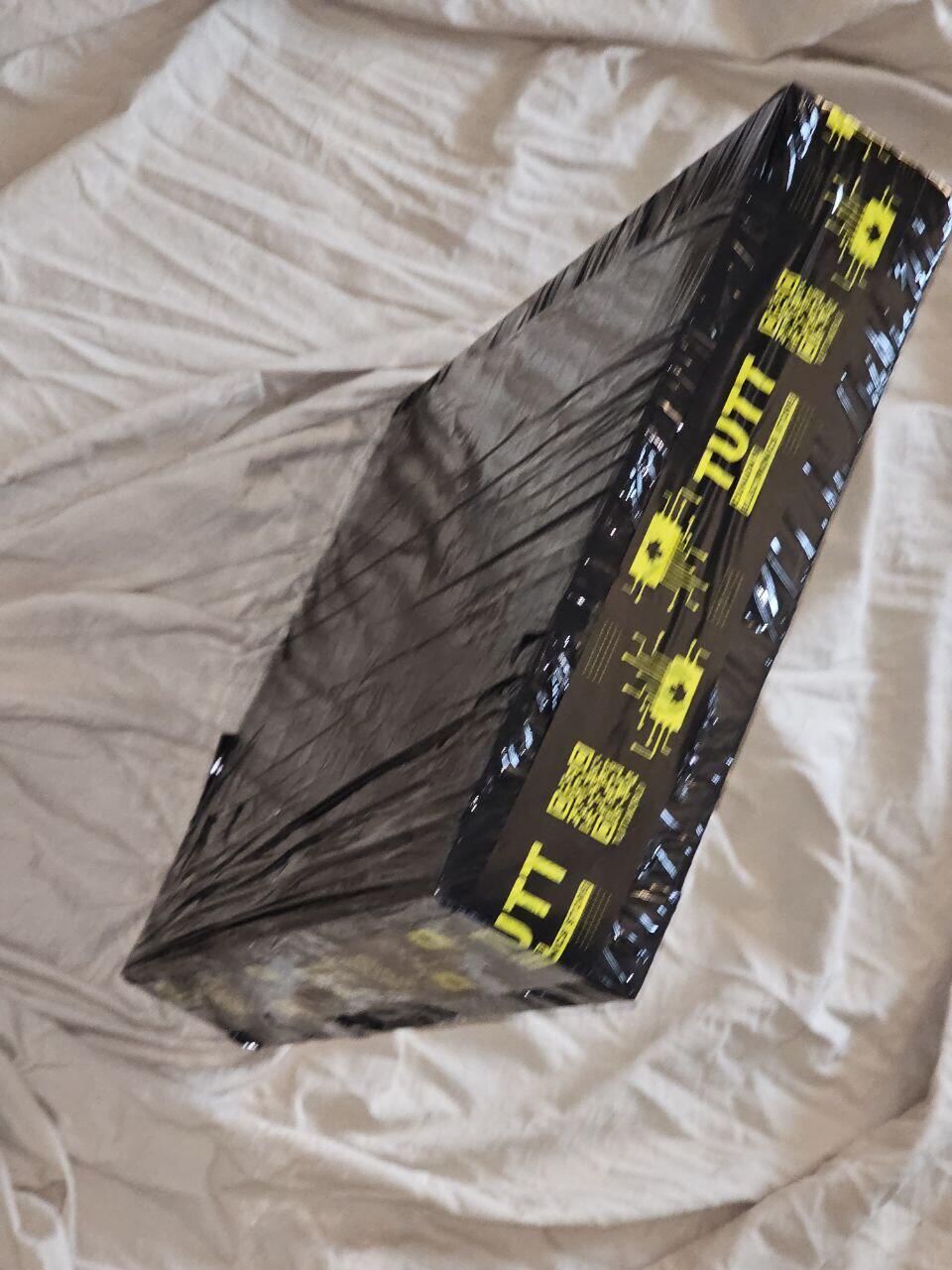
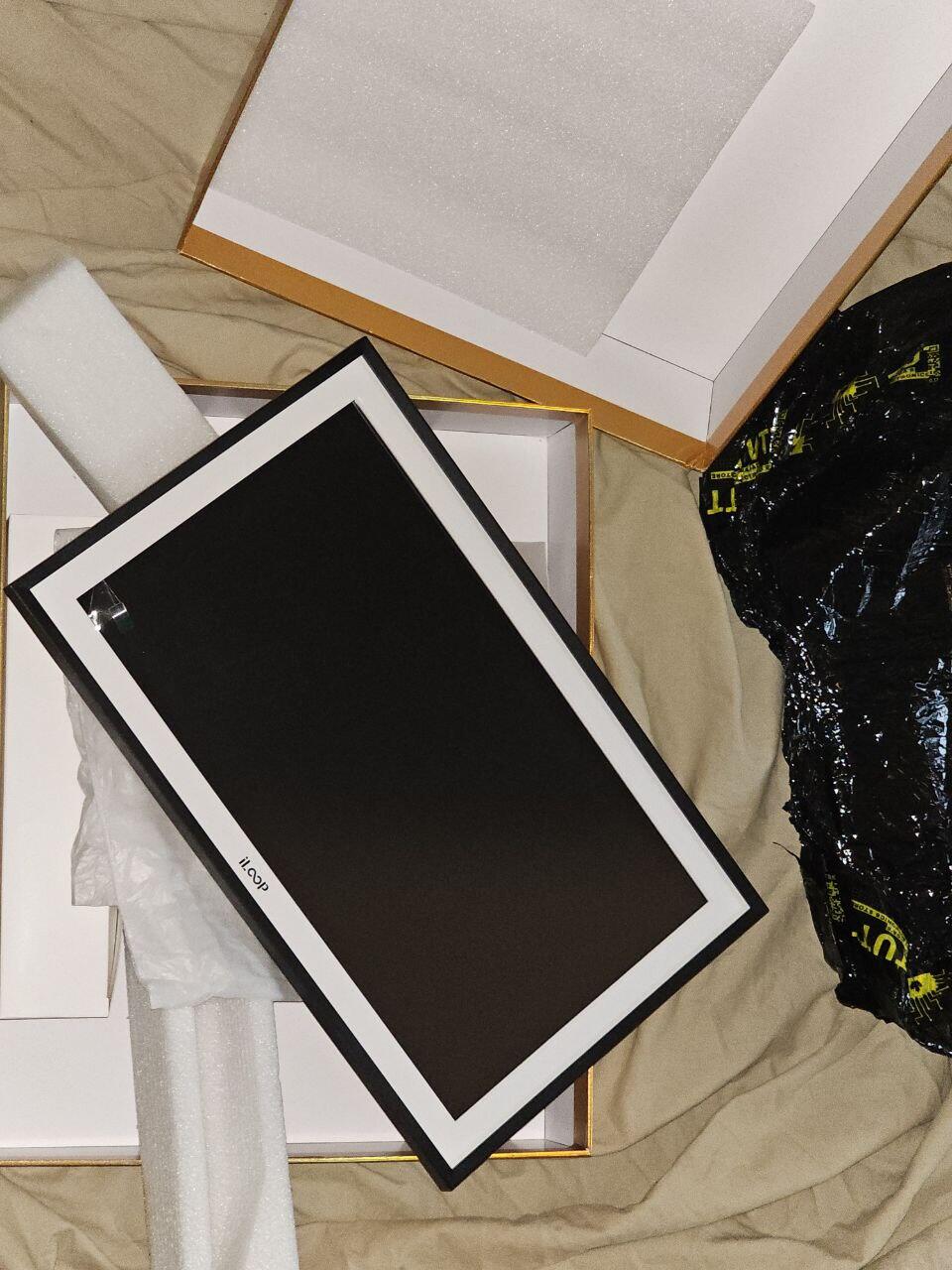
First, packaging and presentation is impressive. We tried other models the the market, such as skylight and it has an edge over them.
Important for me: NO NEED FOR CLOUD BASED SUBSCRIPTION
Display is bright and clear. One advantage is it comes with 32GB internal memory which is fairly enough for most family images and videos. SD card is also can be inserted for additional storage.
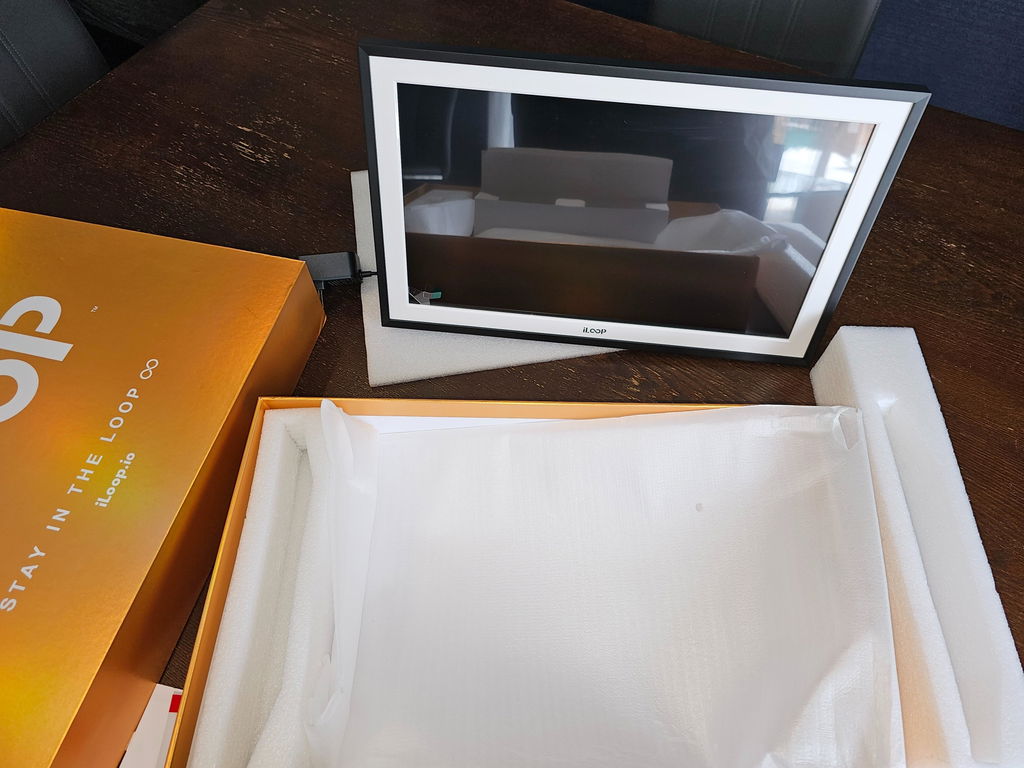
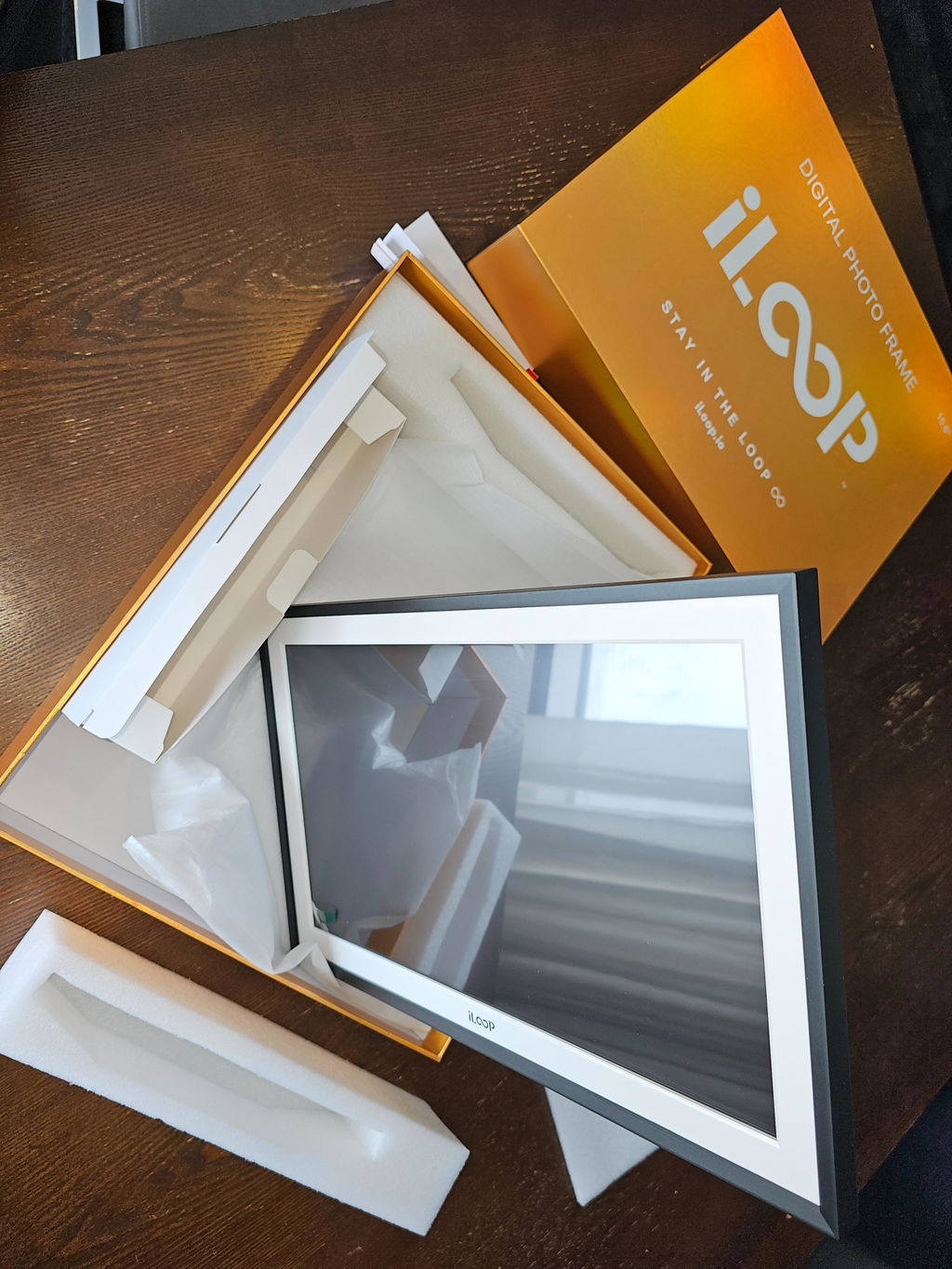
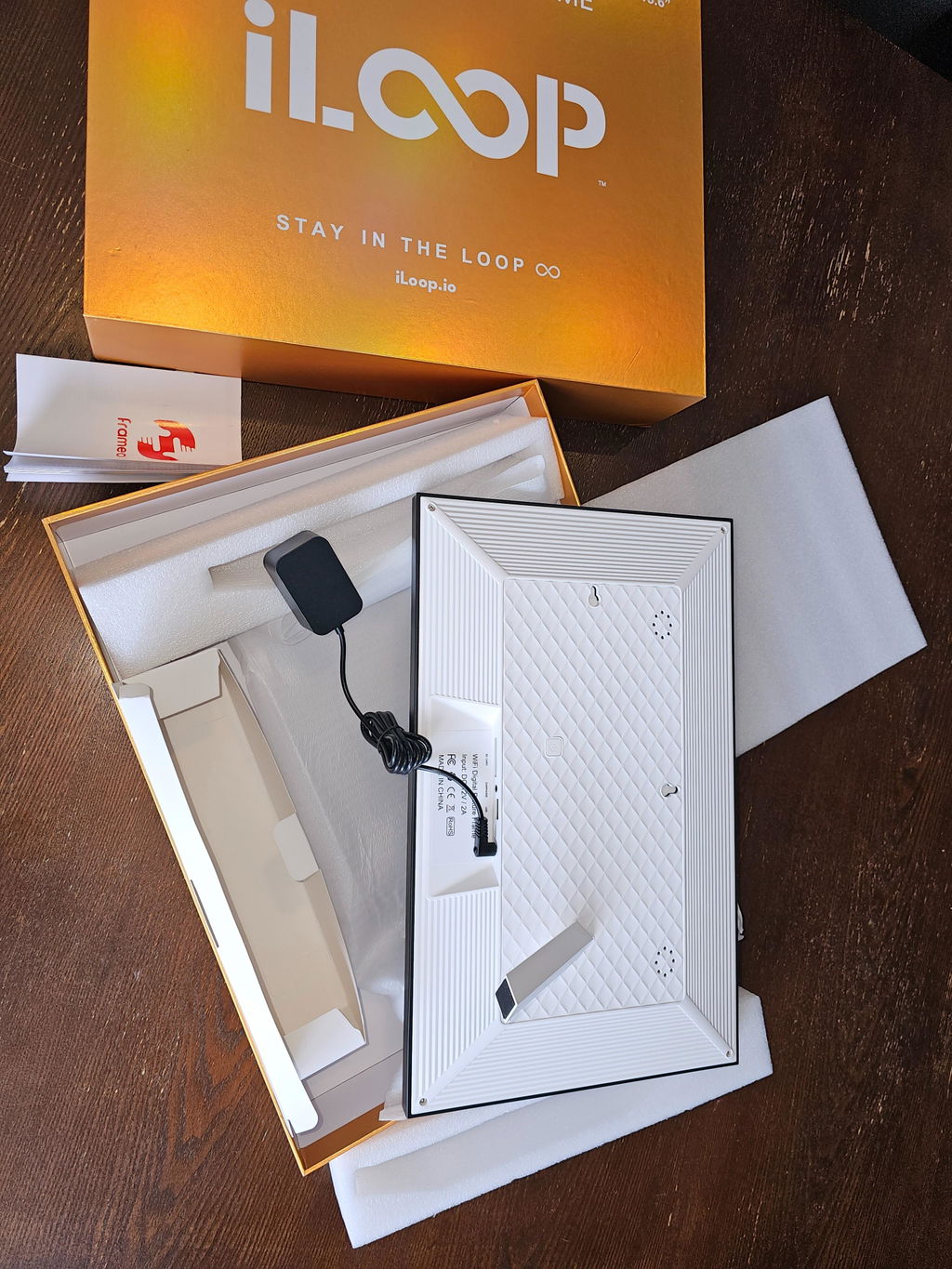
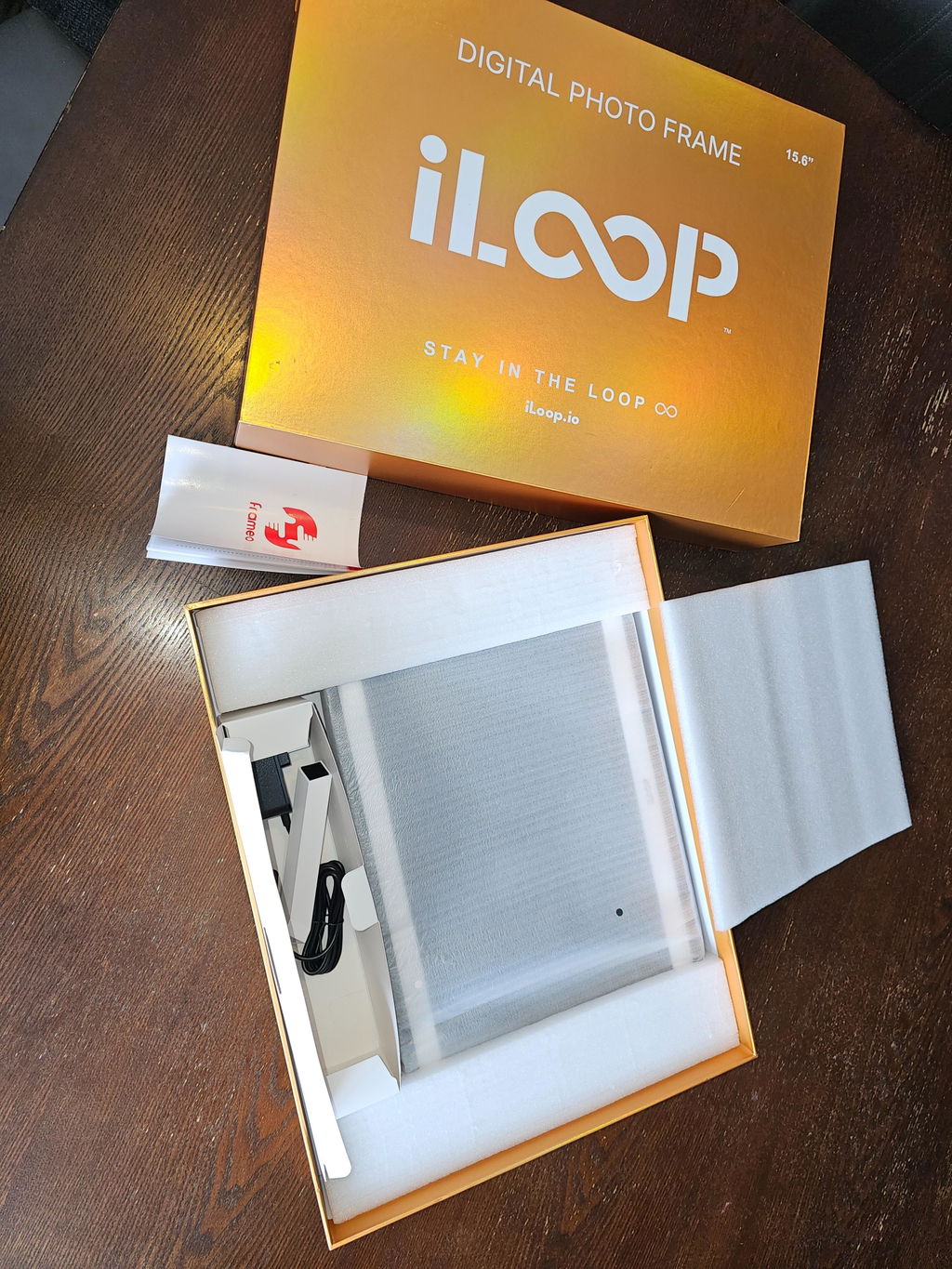
connecting me to my son
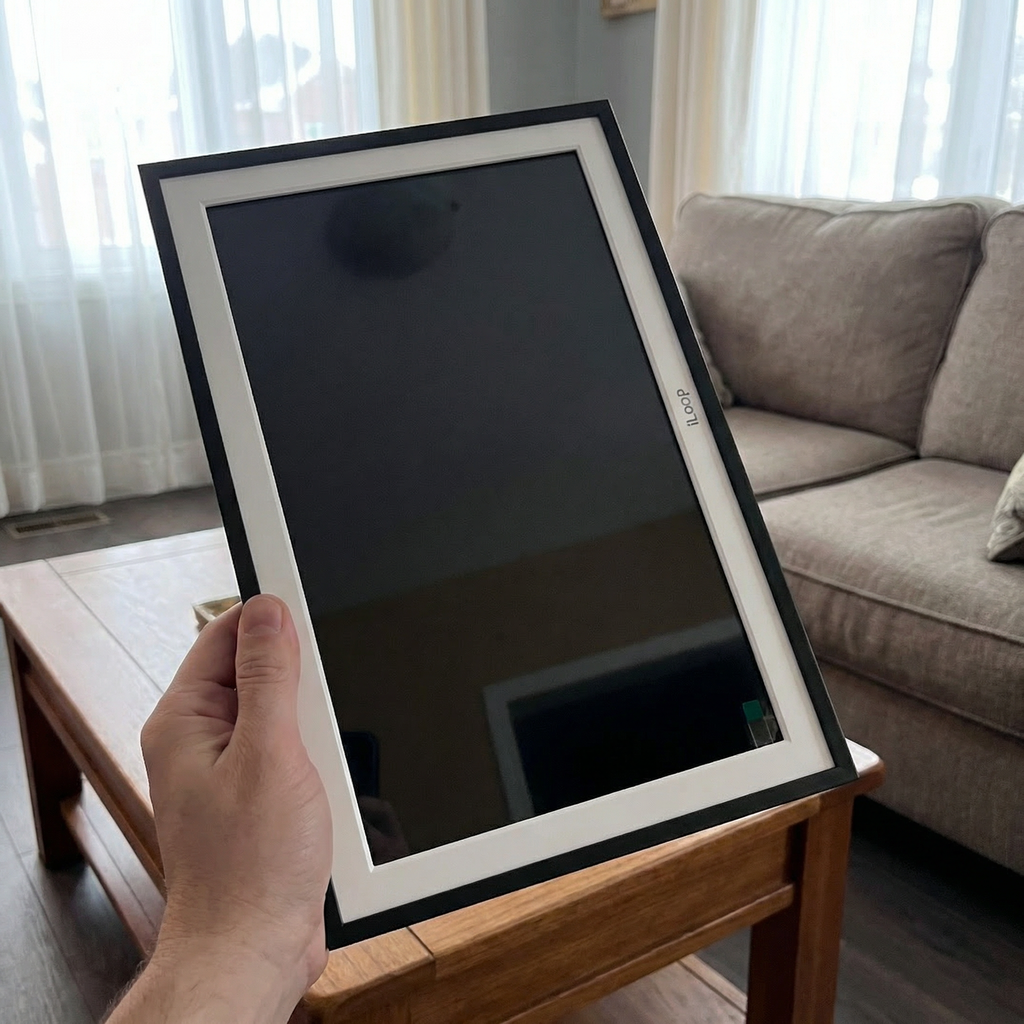
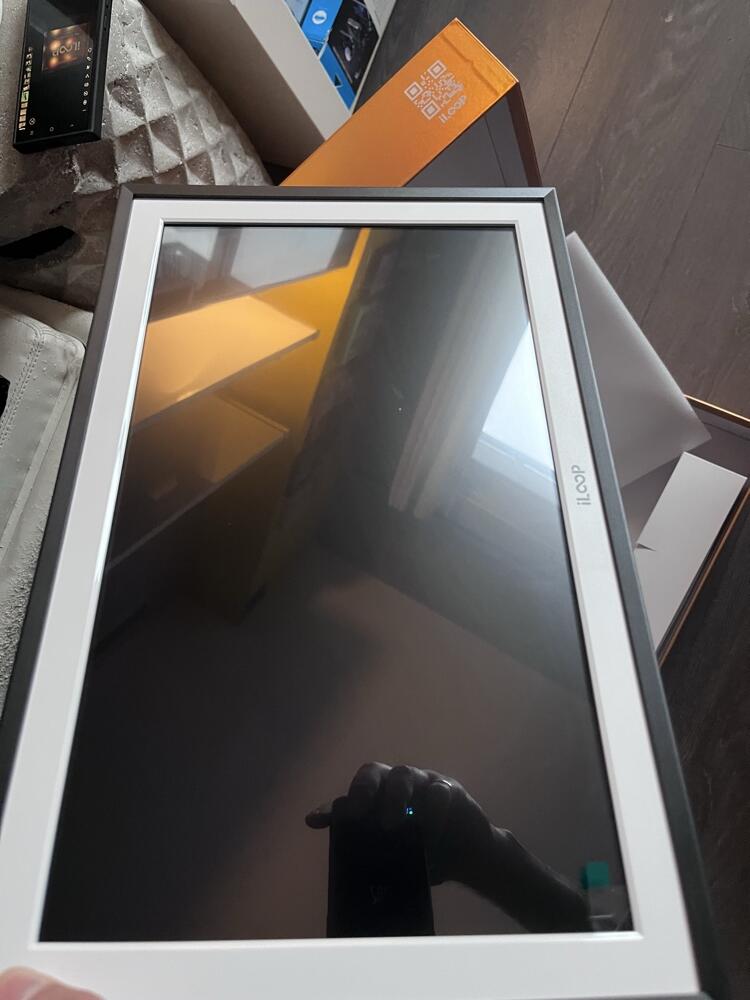
I purchased a Skylight photo frame last year from Best Buy, and this one was for my mom birthday gift. Comparison : Almost same function but iLoop absolutely a way better looking as a gift option. Impressed
Fantastic experience
Easy and well packaged with a lovely little gift
Thank you!!
Good for money
Second one and way better than white version. and a bit slimer.
Colourful packaging which I don’t care. The frame itself is a regular photo frame with same features
Nice looking n easy connection with our mobile phones. Kids love this
Don’t have internal battery

Where else to Buy iLoop in Canada
