


iLoop 15.6” Digital Calendar 32GB | 3 Modes: Calendar, Wi-Fi Photo and Video Frame & Art Gallery | Touchscreen
iLoop 15.6” Digital Calendar 32GB | 3 Modes: Calendar, Wi-Fi Photo and Video Frame & Art Gallery | Touchscreen

Couldn't load pickup availability
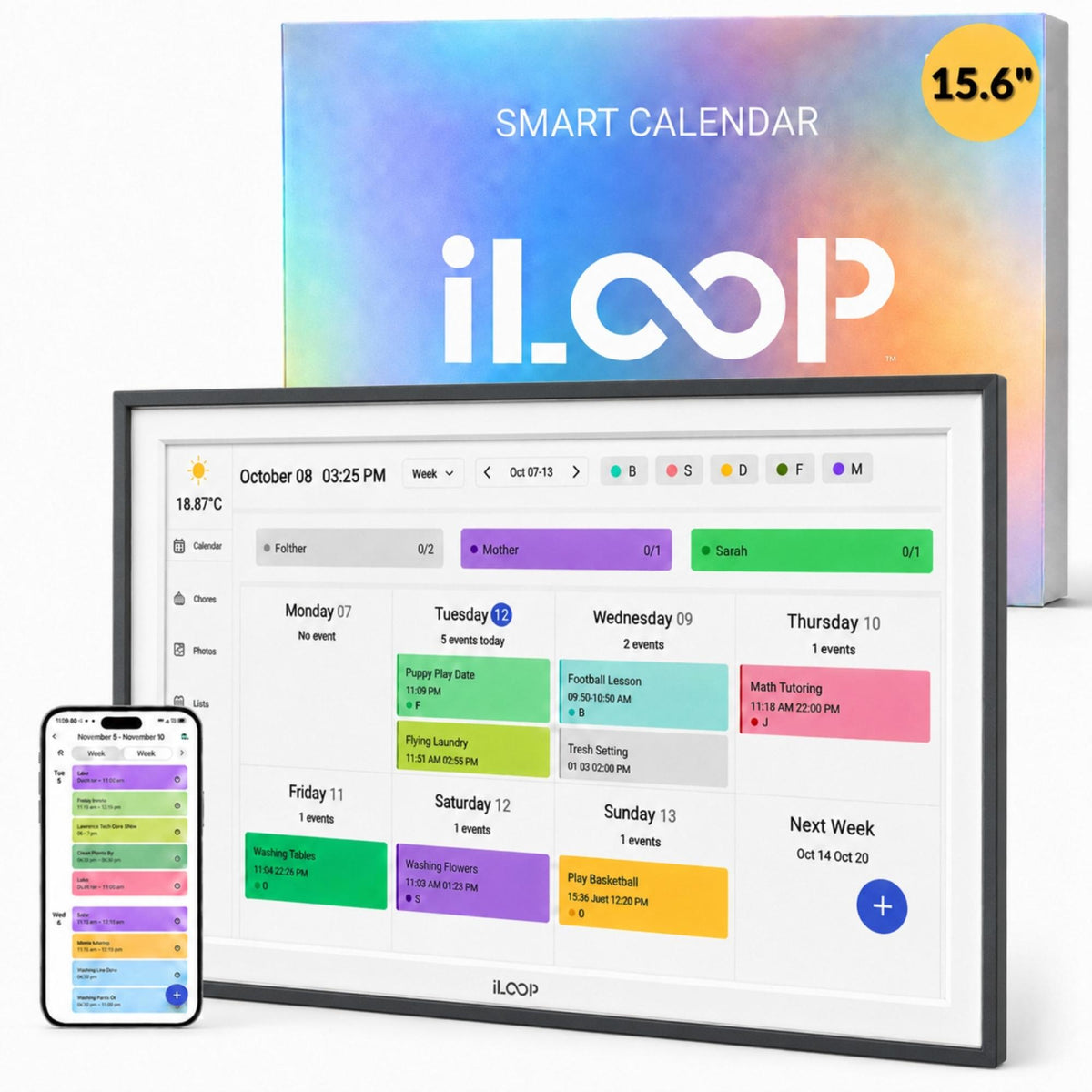
iLoop 15.6” Smart Digital Calendar & Family Organizer – FotoCube Edition
The iLoop™ 15.6” Smart Digital Calendar is more than a display—it’s a central hub for modern family life.
Designed to simplify your daily routine, it combines a Full HD IPS touchscreen, advanced Android capabilities, cloud photo sharing, and AI art display in a single, elegant unit. Whether you're planning the week, sharing memories, or enjoying personalized digital art, the FotoCube does it all.


iLoop Product Updates
Product Improvements | October 2026
As part of our ongoing product improvements, iLoop introduced two design upgrades in October 2026, focusing on everyday stability, durability, and a cleaner appearance.
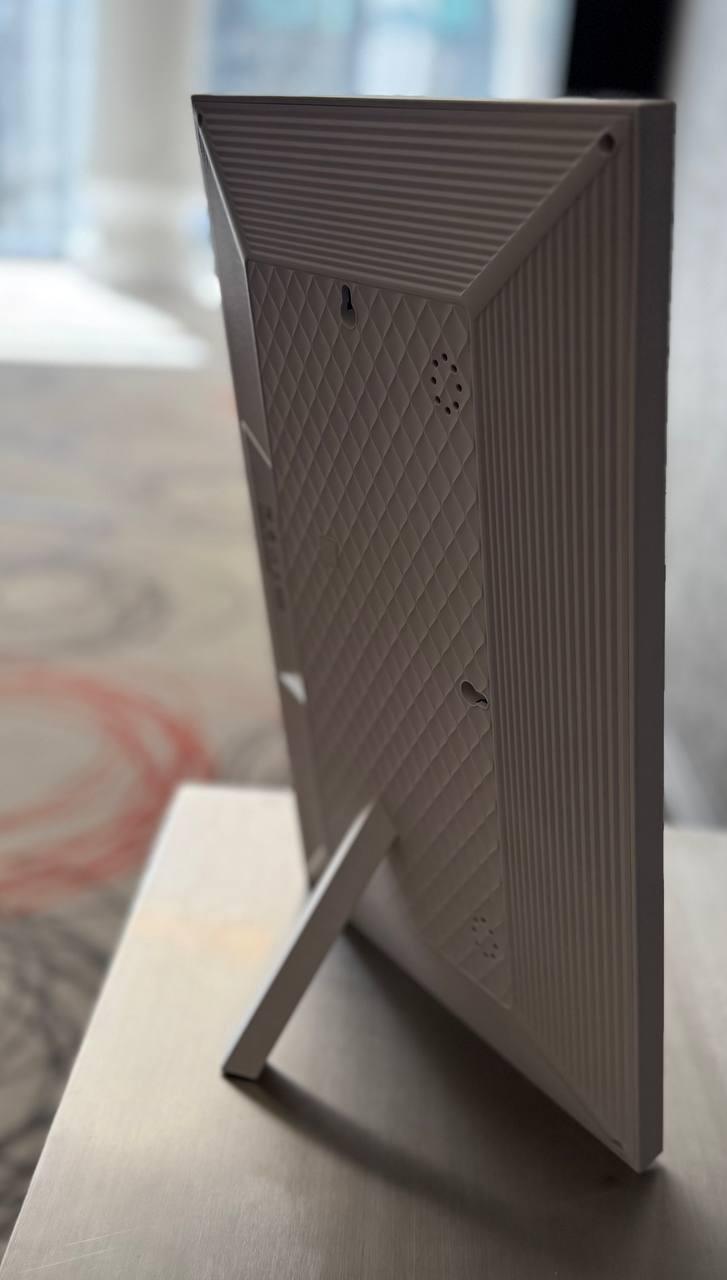
01. Upgraded BackStand
Introduced in October 2026, the upgraded BackStand is now included with iLoop digital calendars and digital photo frames. The redesigned stand provides improved stability and greater durability for everyday use.

02. Simplified White Frame Design to Align with Black Version
Based on market feedback, our all-white iLoop digital calendars now feature a simplified front frame with a cleaner, more modern appearance. The updated design maintains the familiar iLoop functionality while offering a refined look.

iLoop Product Improvement Notice · October 2026
Full HD 1080P IPS Touchscreen for Crisp Visuals
Enjoy a vibrant 15.6” full-view IPS touchscreen with 1920×1080 resolution and multi-touch support, offering crystal-clear image quality. Whether mounted or placed on a stand, the screen automatically rotates between portrait and landscape modes, adapting to your space.

Powerful Performance with Android OS
Powered by a Rockchip RK3326S processor and 2GB DDR3 RAM, the iLoop Smart Calendar runs smoothly on Android 9.0. It includes 32GB of built-in storage for your calendar events, photos, videos, and more, ensuring fluid operation for daily use.

Three Main Modes for Complete Flexibility
1. Cloud-Connected Smart Calendar
Seamlessly sync your calendar with Google, iCloud, Yahoo, Outlook, and Cozi via the companion FotoCube App. Display shared family tasks, appointments, school events, medication reminders, and even weather—all in one organized, easy-to-view interface.

2. Live Cloud Photo & Video Frame
Stream your favorite memories in real time. Upload images and videos from your phone to the iLoop display using the iOS or Android FotoCube App. The device supports a wide range of file formats and displays them in a loop or curated timeline.

3. AI Art & Digital Gallery
Transform your space with an AI-powered art gallery mode. Enhance, restore, or loop slideshow your favorite artworks and photos. Enjoy auto-repaired visuals or upload high-resolution scans for a personalized and elegant art display.

WiFi-Enabled with App Control from Anywhere
With 802.11 b/g/n Wi-Fi support and full app integration, you can update family schedules, add chores, and upload photos remotely. The companion app allows for real-time updates, so your family stays in sync even when you're on the go.
Audio, Storage, and Media Playback Made Easy
- Dual 2W stereo speakers deliver rich, clear audio for video playback, alarms, and notifications.
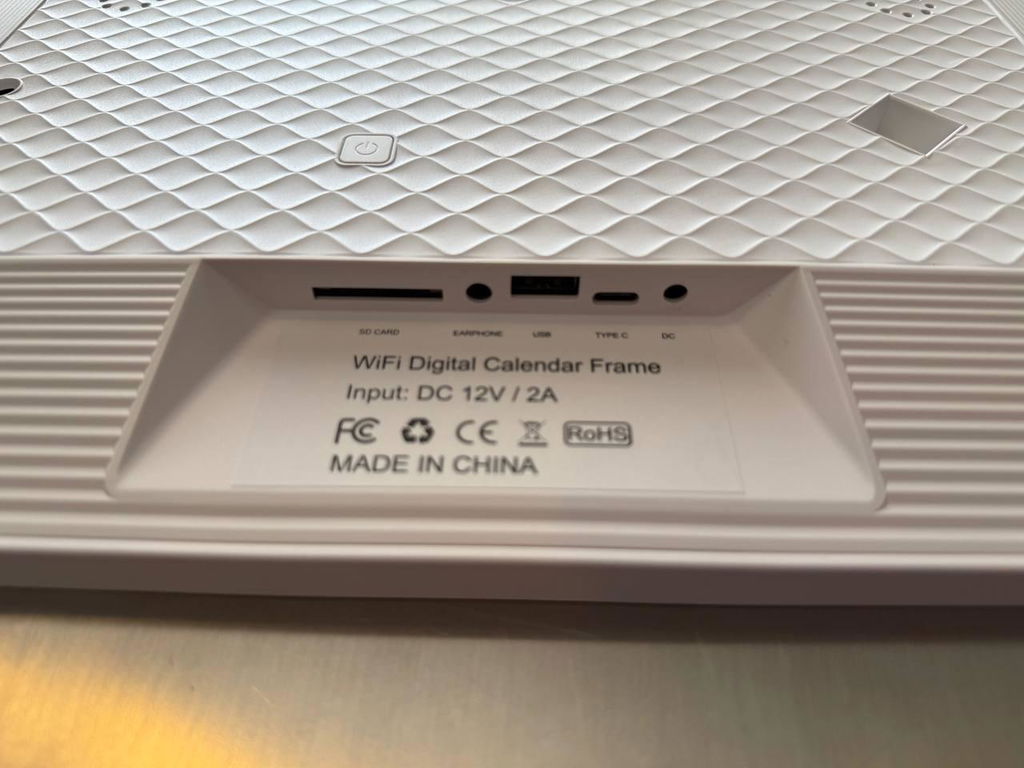
- (Optional) Comes with a 128GB SanDisk Extreme PRO® memory card and 5-in-1 USB/TF card reader, making content sharing and storage upgrades simple.
- Supports major video and photo formats including MPEG, JPEG, PNG, and GIF.

Smart Features for Everyday Life
- Touch Interface: Smooth, responsive navigation
- Habit & Meal Planner: Assign tasks, track habits, and plan meals
- Adjustable Alarms: Set reminders for birthdays, meds, school pickups
- Digital Clock & Notifications: Real-time alerts and updates
- Multilingual OS Menu & Manual: Ideal for diverse households

Technical Specification Analysis: iLoop™ vs. Industry Standards
The following data provides a technical comparison of the iLoop™ smart display against primary market competitors, focusing on hardware architecture, software accessibility, and regional optimization.
Subscription Models and Hardware Expandability
iLoop™ operates on a "No Subscription" architecture, providing access to all premium features without recurring costs. In contrast, competitors require annual fees—averaging between $29.90 and $79.00 USD—to maintain cloud services. Additionally, iLoop™ includes physical SD Card and USB-C interfaces for local storage, whereas competitors rely on proprietary cloud-based storage.
Operating System and Software Integration
Running on Android 9.0, iLoop™ provides a more current operating environment than the legacy Android 8.1 or locked proprietary systems found in competing models. Native features such as Art Gallery Mode, AI Image Enhancement, and Meal Planning are included by default, whereas these functions are restricted to "Plus" tiers in other hardware ecosystems.
Regional Optimization and Logistics
As a Canadian-based brand, iLoop™ hardware and software are optimized for domestic network environments. This includes localized customer service and technical support, providing a logistical advantage over international competitors that lack a specialized regional presence.
A Perfect Gift for Families, Friends, and Loved Ones
Make every celebration more meaningful with the iLoop Smart Digital Calendar. Packaged in an elegant gift box, this all-in-one display makes a thoughtful gift for:
- Parents managing busy households
- Grandparents staying updated with family life
- Students needing a smart scheduler
- Friends who love photo sharing
- New homeowners upgrading their smart decor
The premium build, multifunction design, and seamless usability make it a practical and heartfelt gift that enhances daily living and keeps families connected.
What’s in the Box
- 1 × iLoop 15.6” Smart Calendar & Photo Frame
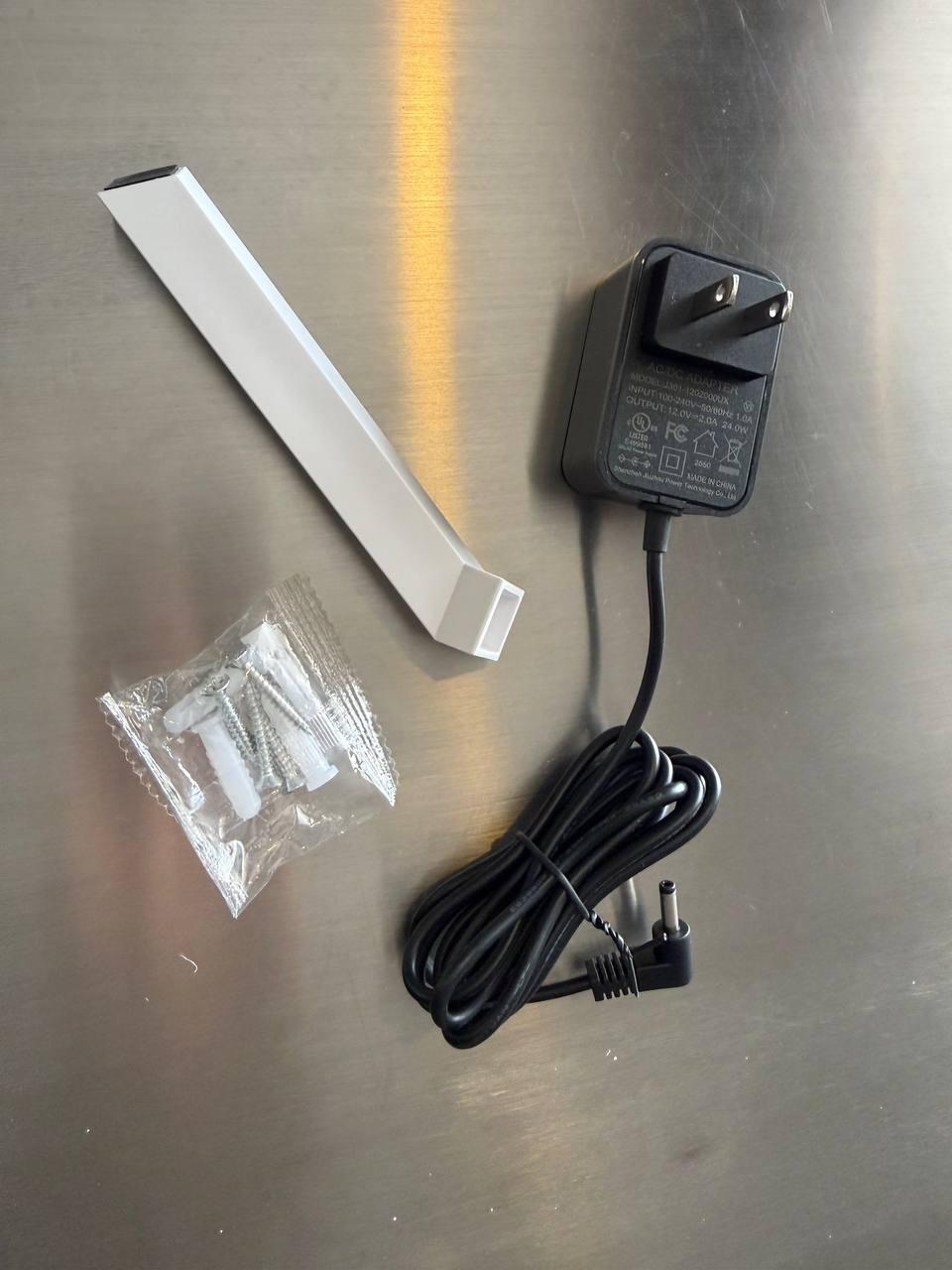
- 1 × Power Adapter (12V/2A – multi-plug compatible)
- 1 × Detachable Stand
- 1 × User Manual (English)
FotoCube App Media Guide for TUTT & iLoop Digital Calendars
Use this compact product-page media guide to learn FotoCube setup, calendar tools, photo and video sharing, family routines, meal planning, habits, rewards, and calendar sync.
App Overview Video Guides
First use, calendar basics, CloudFrame
01 FotoCube App Overview A quick overview of FotoCube App tools for digital calendar displays, including calendar planning, CloudFrame, photo sharing, video display, and family organization. Open Video
02 First Use Guide A first-use walkthrough for setting up the FotoCube App and understanding the main smart display workflow. Open Video
03 How to Use Calendar Learn how to use the calendar screen for schedules, events, reminders, and daily family planning. Open Video
04 How to Use CloudFrame Learn how CloudFrame helps family members share photos to a connected display through the FotoCube App. Open Video
Features Video Guides
Tasks, schedules, habits, meals, star points
05 Calendar Daily To-Do List Introduction Understand daily tasks, reminders, priorities, chores, and household responsibilities. Open Video
06 Calendar: Add Members to Family Schedule Learn how to add family members so shared schedules and routines can stay visible on one display. Open Video
07 Calendar Schedule Creating and Syncing Create and sync schedules, events, plans, and recurring family routines. Open Video
08 FotoCube Sleep Mode Guide Manage display rest times and reduce screen activity during quiet hours. Open Video
09 FotoCube Habits Plan Guide Track habits, daily goals, routines, and progress on a shared digital display. Open Video
10 FotoCube Meal Plan Guide Organize weekly meals, kitchen planning, grocery preparation, and household routines. Open Video
11 FotoCube Star Points System Use star points to support chores, motivation, task completion, and family routines. Open Video
Photos Video Guides
AI image tools, photo sharing, video sending
12 FotoCube AI Image Processing Use AI Image Processing to help improve older or lower-quality photos before showing them on the display. Open Video
13 Photos Features Introduction Explore the main photo tools for viewing, sharing, and displaying family memories. Open Video
14 Send Photos & Videos on FotoCube Send photos and videos from the FotoCube App to a compatible digital calendar display. Open Video
Calendar Sync Video Guides
Cozi, Google, iCloud, Yahoo Calendar
15 Sync Cozi Calendar with FotoCube Connect Cozi schedules to FotoCube for shared family planning visibility. Open Video
16 Sync Google Calendar with FotoCube Connect Google Calendar events, appointments, school plans, and reminders to the display. Open Video
17 Sync iCloud Calendar with FotoCube Connect Apple calendar schedules from iPhone, iPad, or Mac workflows. Open Video
18 Sync Yahoo Calendar with FotoCube Connect Yahoo Calendar events, reminders, and daily planning information to FotoCube. Open Video
Frequently Asked Questions
These 12 answers stay inside the page as clear accordions for visitors and search engines.
1. Can the FotoCube App restore or improve old photos?
Yes. The FotoCube App includes AI Image Processing tools that can help improve older or lower-quality photos before they are shown on a compatible digital calendar display. Results depend on the original image quality, lighting, sharpness, and damage level.
2. Can I send photos and videos to a TUTT or iLoop Digital Calendar?
Yes. FotoCube supports sending photos and videos to compatible TUTT and iLoop digital calendar displays, helping the screen work as a calendar, photo frame, video frame, and family display.
3. What is CloudFrame in the FotoCube App?
CloudFrame is a cloud photo sharing feature that allows family members to send photos to a connected display without manually transferring files.
4. Can multiple family members use the same FotoCube calendar?
Yes. FotoCube supports shared family use so multiple users can view schedules, follow routines, manage events, and keep reminders visible on one display.
5. Can the FotoCube App sync with Google Calendar?
Yes. FotoCube can sync with Google Calendar so events, school schedules, appointments, work plans, reminders, and family routines can appear on the digital calendar display.
6. Can the FotoCube App sync with iCloud, Yahoo, or Cozi Calendar?
Yes. FotoCube includes sync resources for iCloud Calendar, Yahoo Calendar, Cozi Calendar, and Google Calendar.
7. What is the Daily To-Do List feature used for?
The Daily To-Do List helps organize daily tasks, reminders, priorities, routines, chores, and household responsibilities.
8. How does the Star Points System work?
The Star Points System supports chore chart motivation and family task rewards by assigning stars to completed tasks or routines.
9. What is the Sleep feature in the FotoCube App?
Sleep mode helps manage when the display rests or reduces activity during quiet hours, making it more practical for bedrooms, kitchens, offices, or shared spaces.
10. Can FotoCube be used for habits and meal planning?
Yes. Habits Plan helps track routines and goals, while Meal Plan helps organize weekly meals, kitchen routines, grocery preparation, and shared household schedules.
11. Can FotoCube help manage chores and family responsibilities?
Yes. FotoCube can support chore planning, task tracking, reminders, routines, and shared family responsibilities.
12. Is a TUTT or iLoop Digital Calendar only for calendar use?
No. Compatible displays can also work as a family planner, chore chart, reminder display, digital photo frame, video frame, cloud photo display, meal planner, habit tracker, and smart home organizer.
 Powered by Bee Logic
iLoop 15.6" Digital Calendar | Official Unboxing & Product Showcase
iLoop 15.6" – White Model
Official unboxing of the iLoop 15.6-inch Digital Calendar in White. Featuring a Full HD touchscreen, 32GB storage, Wi-Fi photo and video frame, smart family calendar, digital art gallery, and premium features with no subscription.
iLoop 15.6" – Black Model
Official unboxing of the iLoop 15.6-inch Digital Calendar in Black. Discover its elegant design, Full HD touchscreen, 32GB storage, Wi-Fi photo and video frame, and subscription-free family organization features.




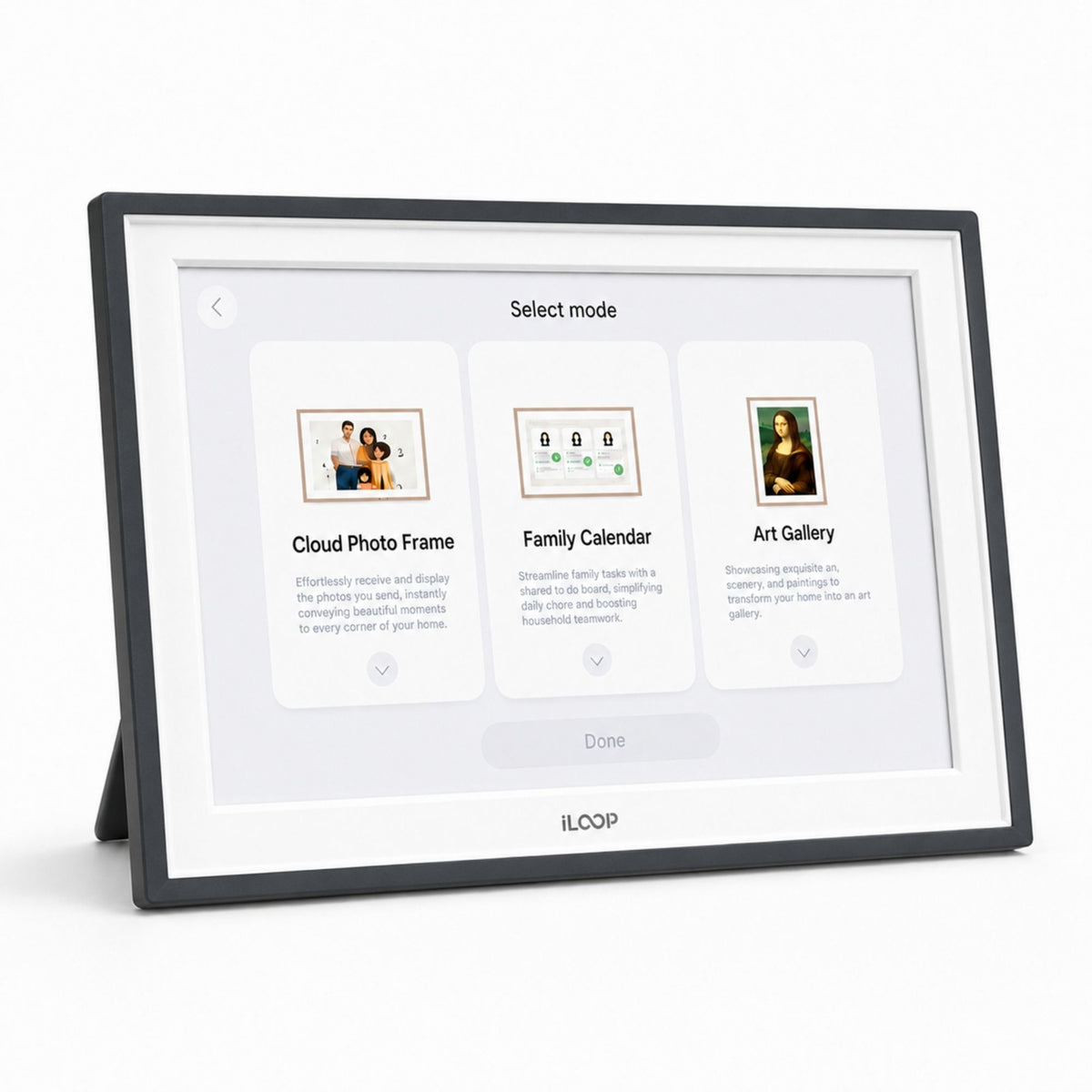
Digital calendar with 3 modes: calendar, photo/video frame, and art gallery. Customers said it "helps so much with the mental load" and photo uploading is easy. However, setup instructions lack detail and may require significant troubleshooting time. Issues include iPhone calendar sync problems, missing QWERTY keyboard for French-Canadian customers, and limited volume control.
- It's amazing! It helps me so much with the mental load.
- Uploading photos is very easy.
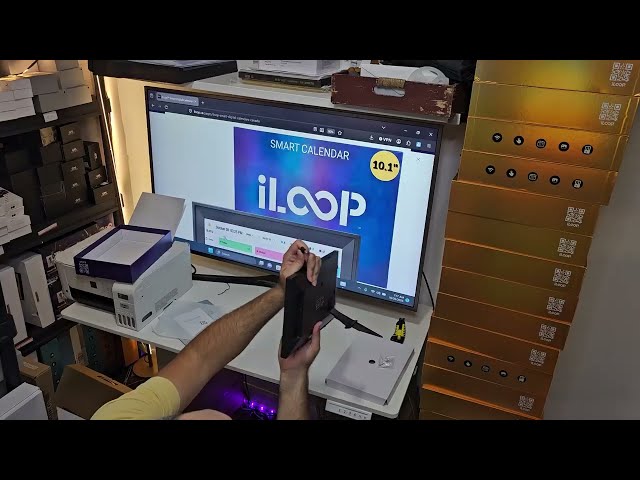
Staff Unboxing - Not a Product Review
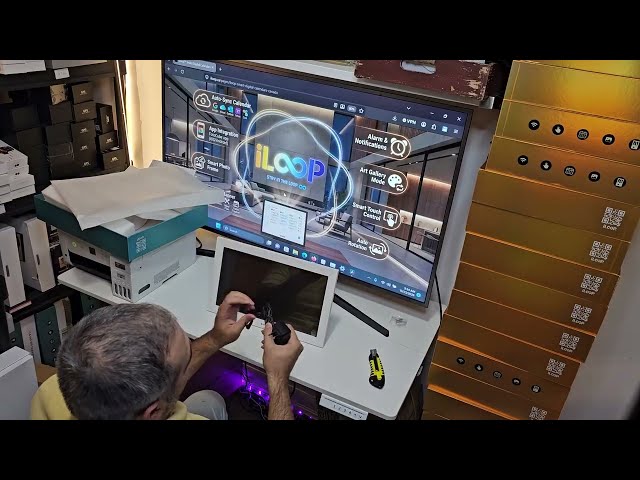
Staff Unboxing - NOT a product review
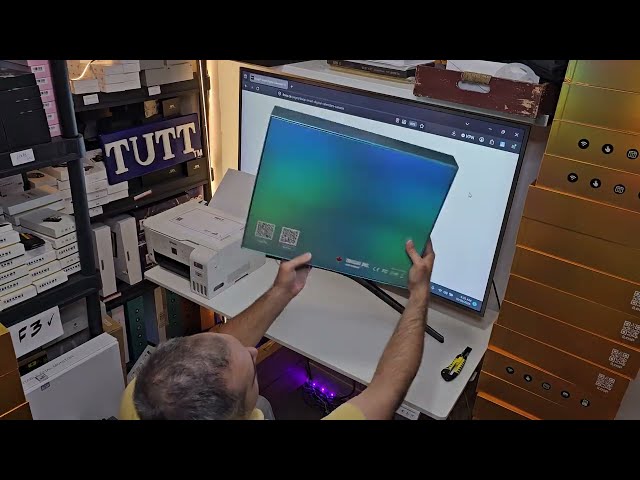
TUTT / iLoop Staff Unboxing - Not a Product Review
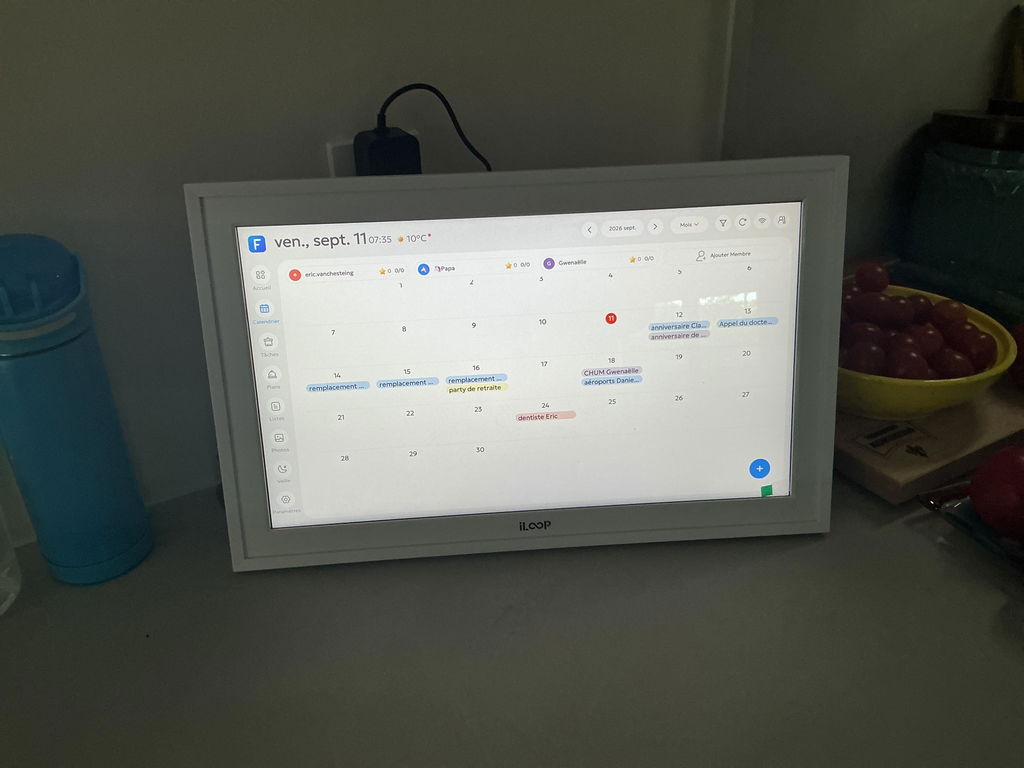
Article de qualité facile à utiliser et très utile à la maison
Merci
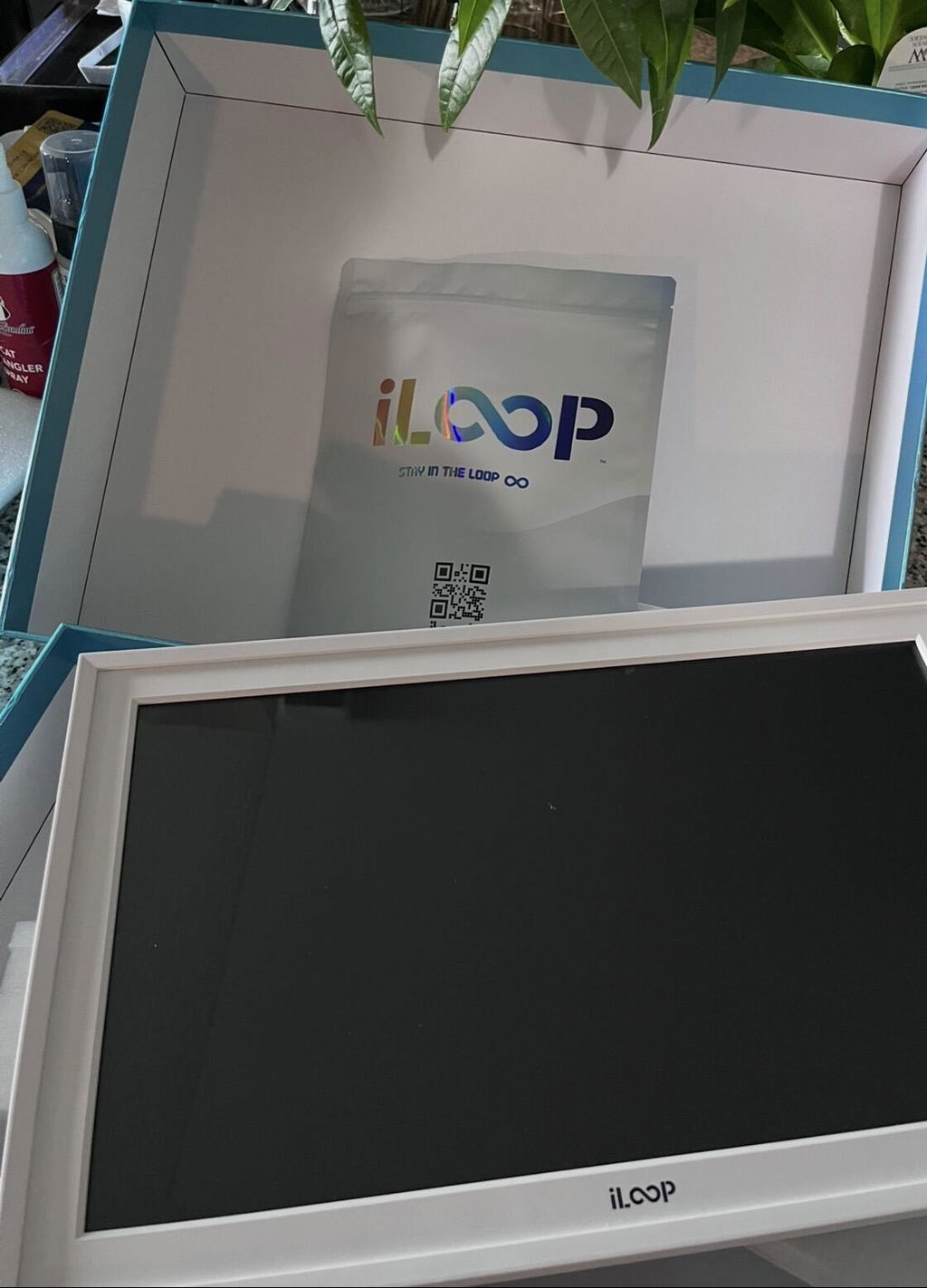
We purchased 2 units for gift purposes. We haven’t tried the features but assuming it works as advertised the presentation n packaging is above regular products in market.
I switched from sticky notes to a small digital calendar on my desk. Feels more professionally organized
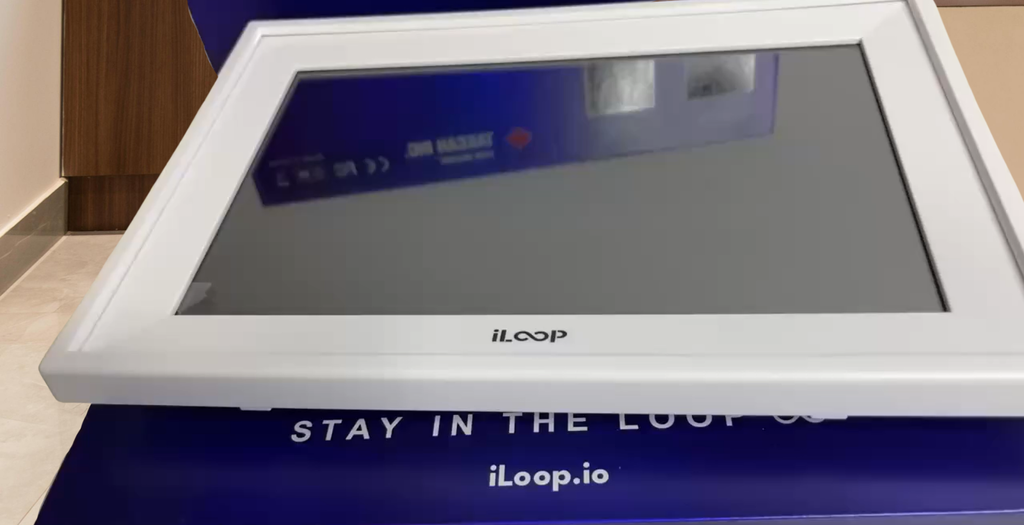
I preferred mounting it horizontally and the table of plans still looked visually clear. The package also looked nice
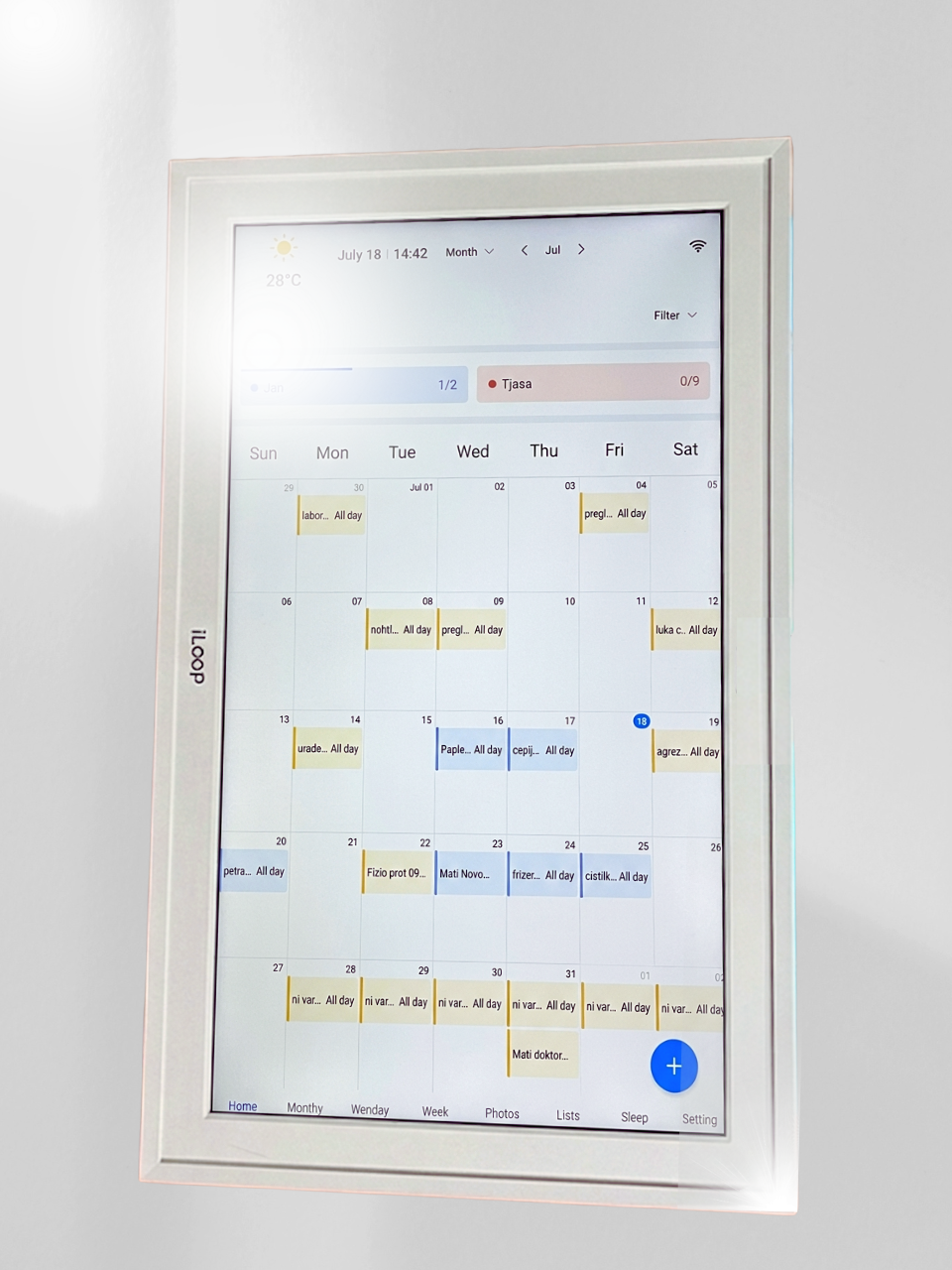
Its easy to add chores to my schedule and it syncs with my phone quickly for reminders. I prefer a larger size of screen
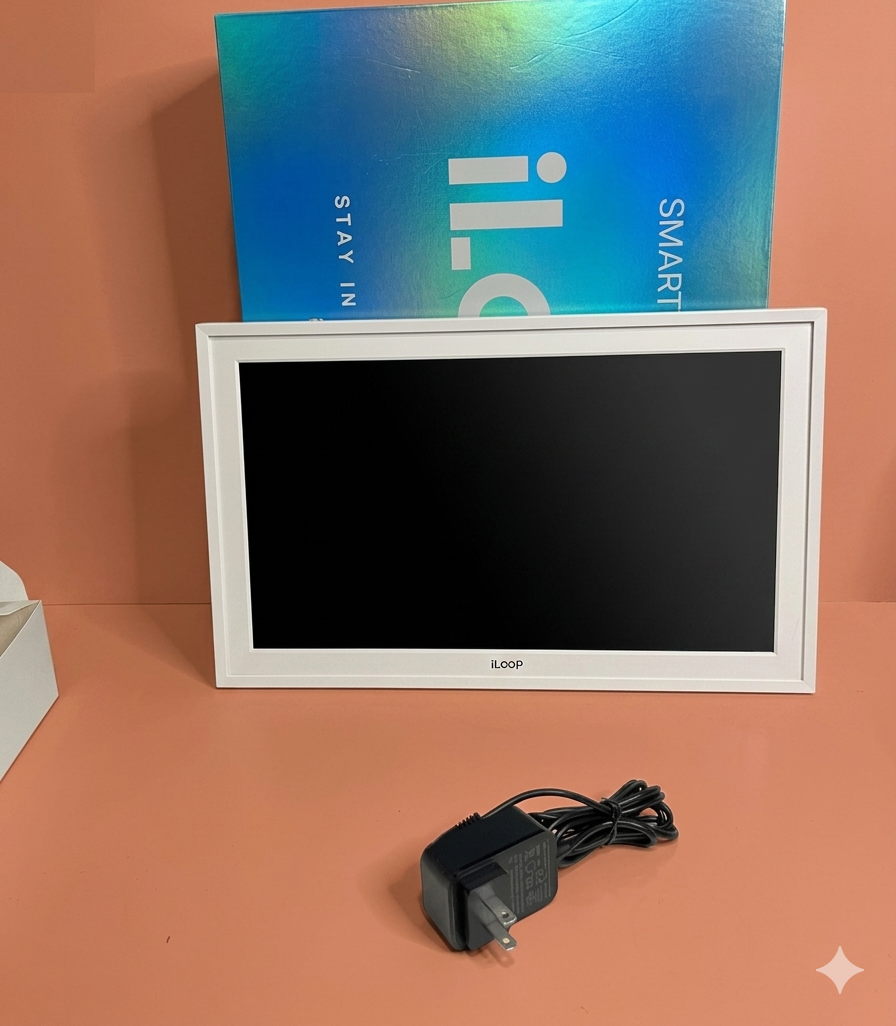
As a student, I love that this digital calendar doesn't take up much space in my studio. It perfectly organizes my busy study and work schedule. Best of all, there are no extra subscription costs to worry about.
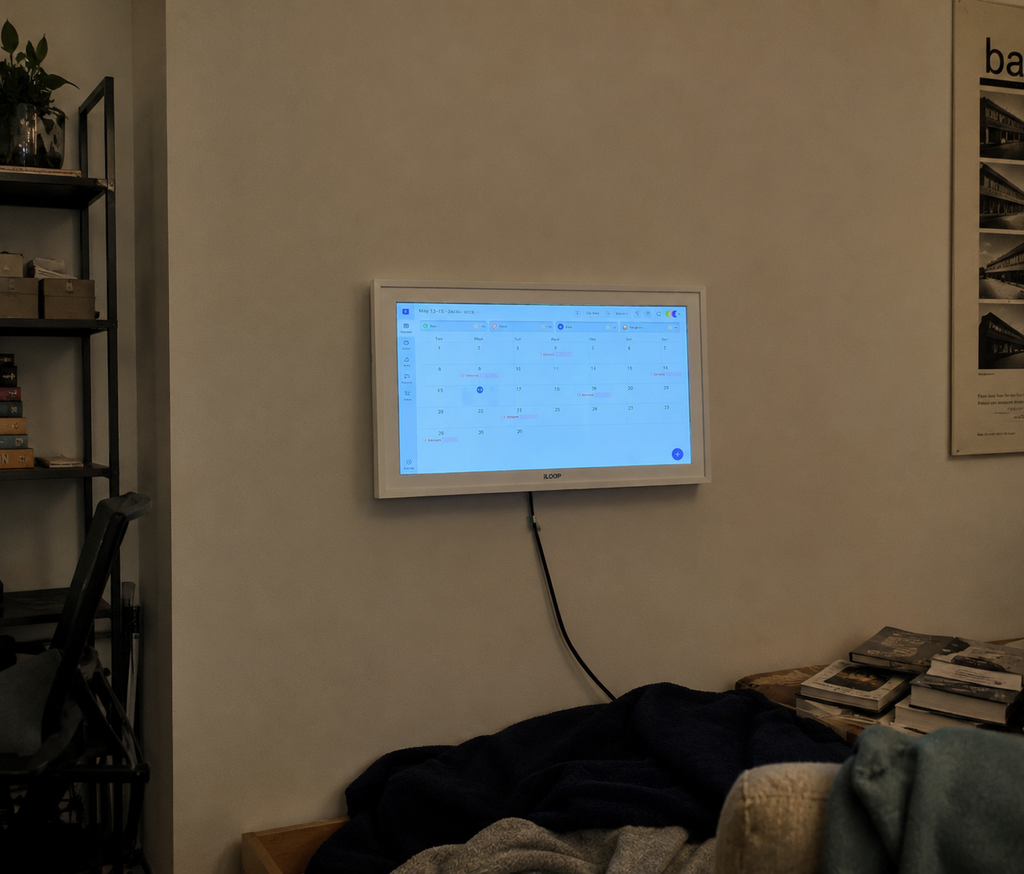
Amazing price for a professionaldigital calendar
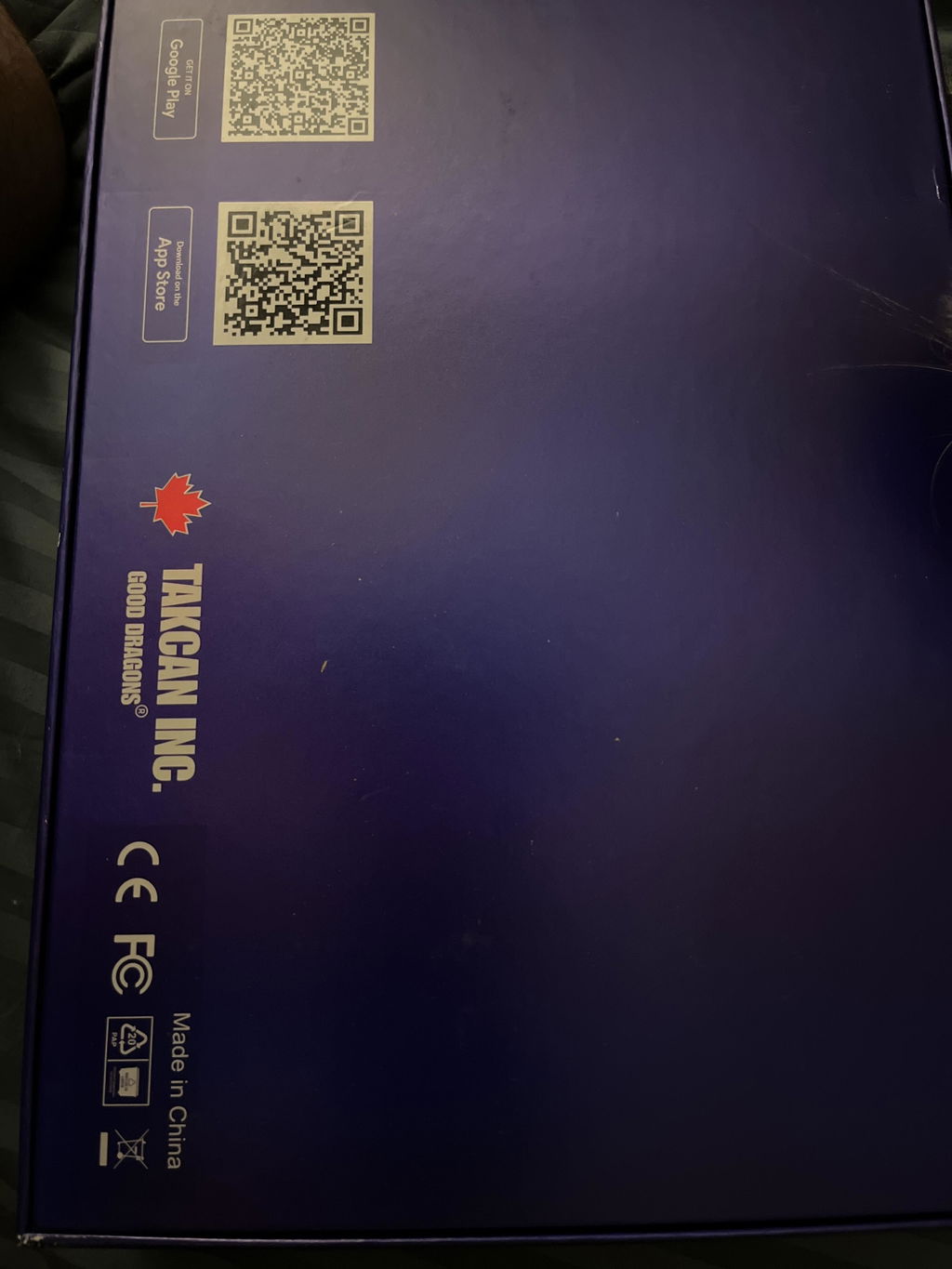
I saw dragontouch Calendar before, they need to subscribe for any extra feature, but this one needs no subscription!
simple setup, nice and bright screen. Kids friendly
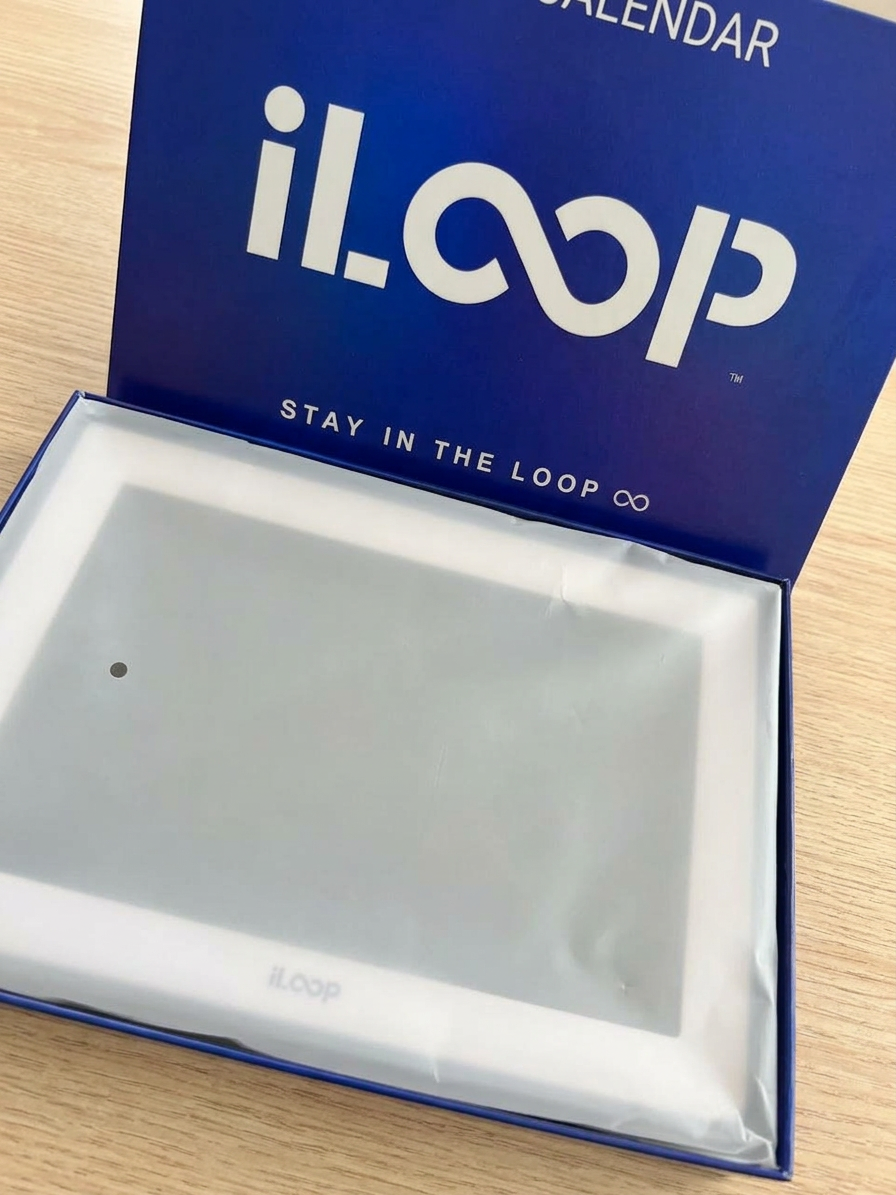
Really solid digital calendar. The 15-inch screen is bright, and the touch interface works perfectly for managing our schedule. I docked one star because the power cord is a bit short for where I wanted to wall-mount it, but overall, it’s a great device.
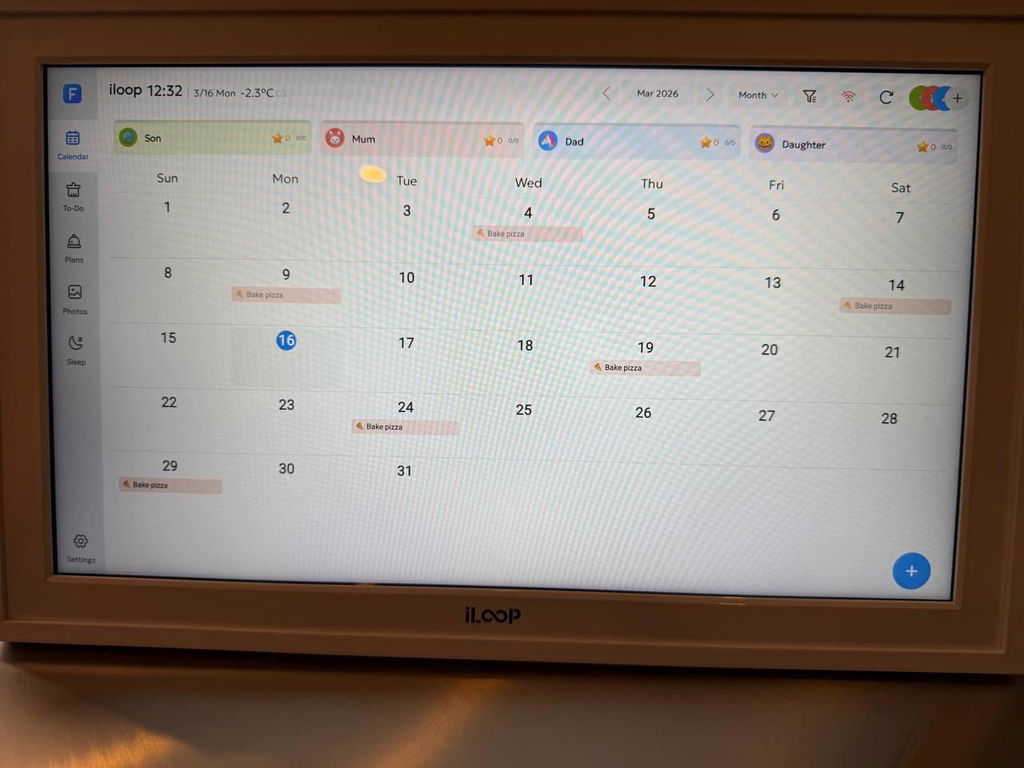
The photo frame feature is a nice bonus; we love seeing new pictures of the grandkids pop up throughout the day. It was very easy to set up and the fact that there’s no monthly subscription to worry about is a huge plus for us. It’s a simple, tidy way to stay organized.
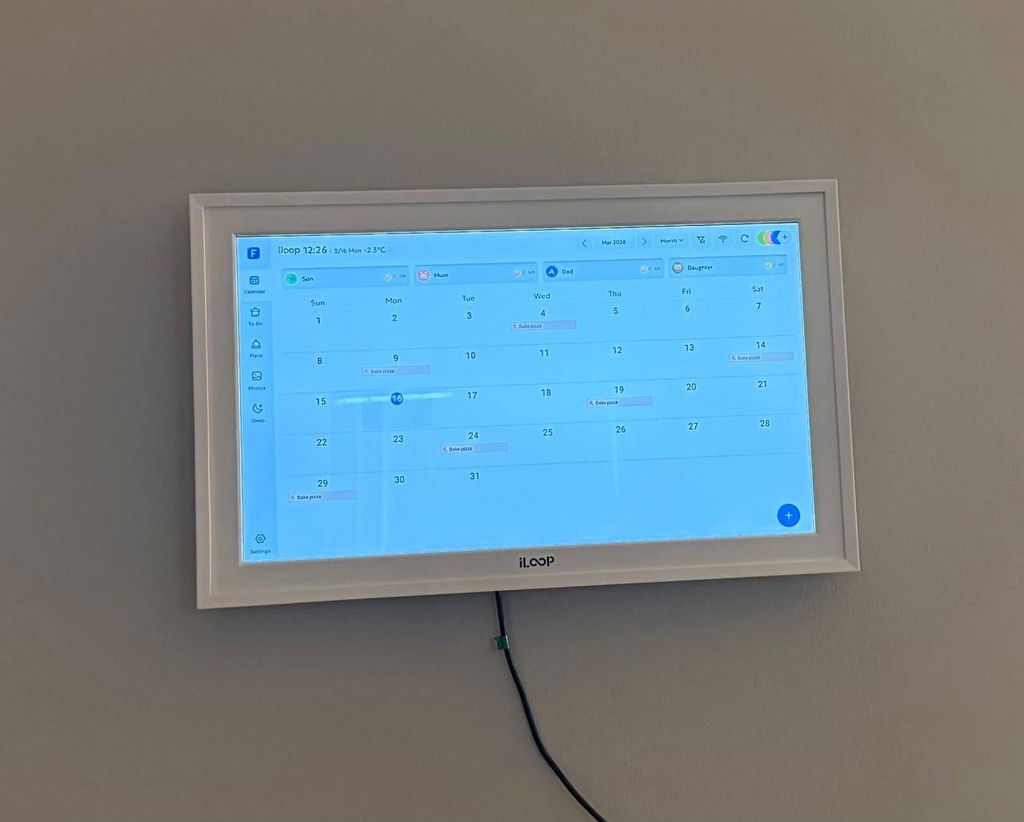
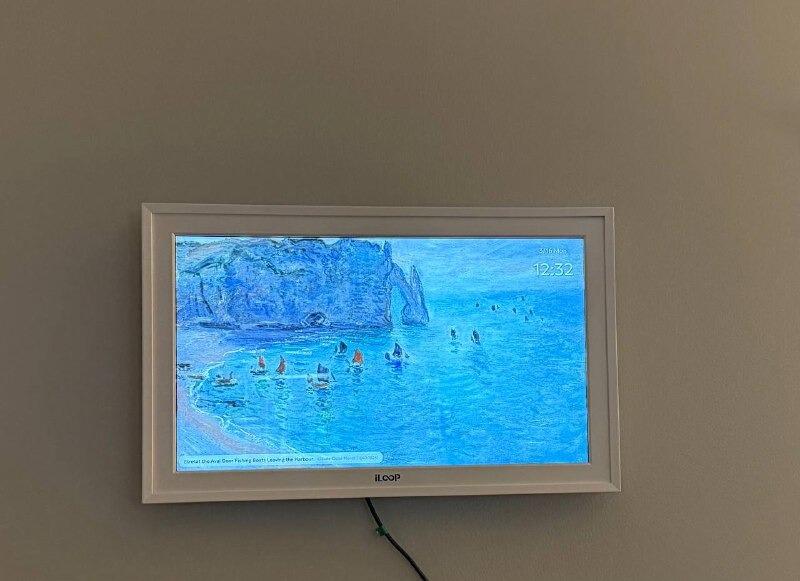
Gift for mom, sync was easy with Yahoo n nice photo share, however on portrait I couldn't scale image to full width from my iPhone.
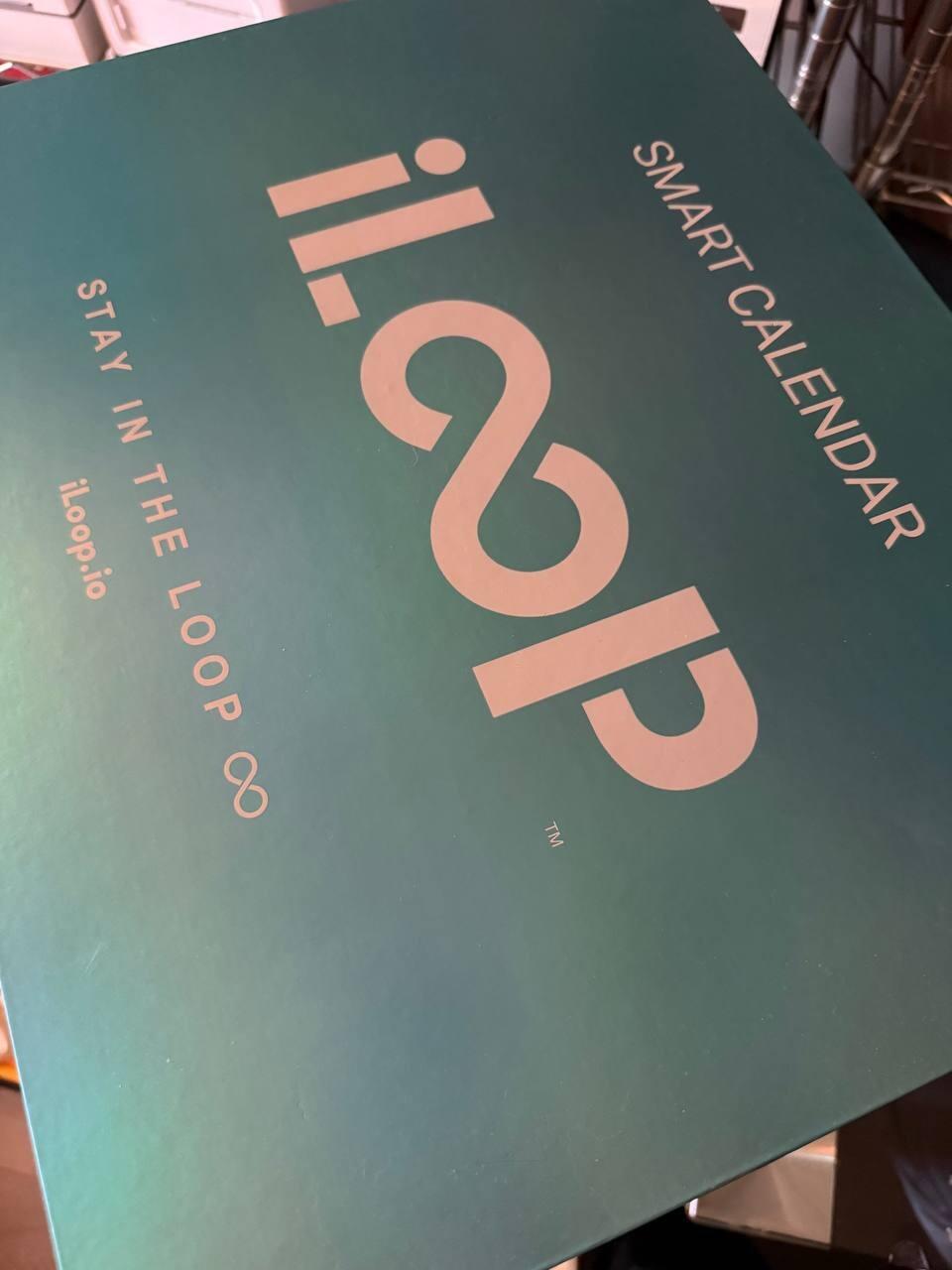
I bought this for my sister's birthday, but whence I received it, I find a gift that I did not order it! thanks
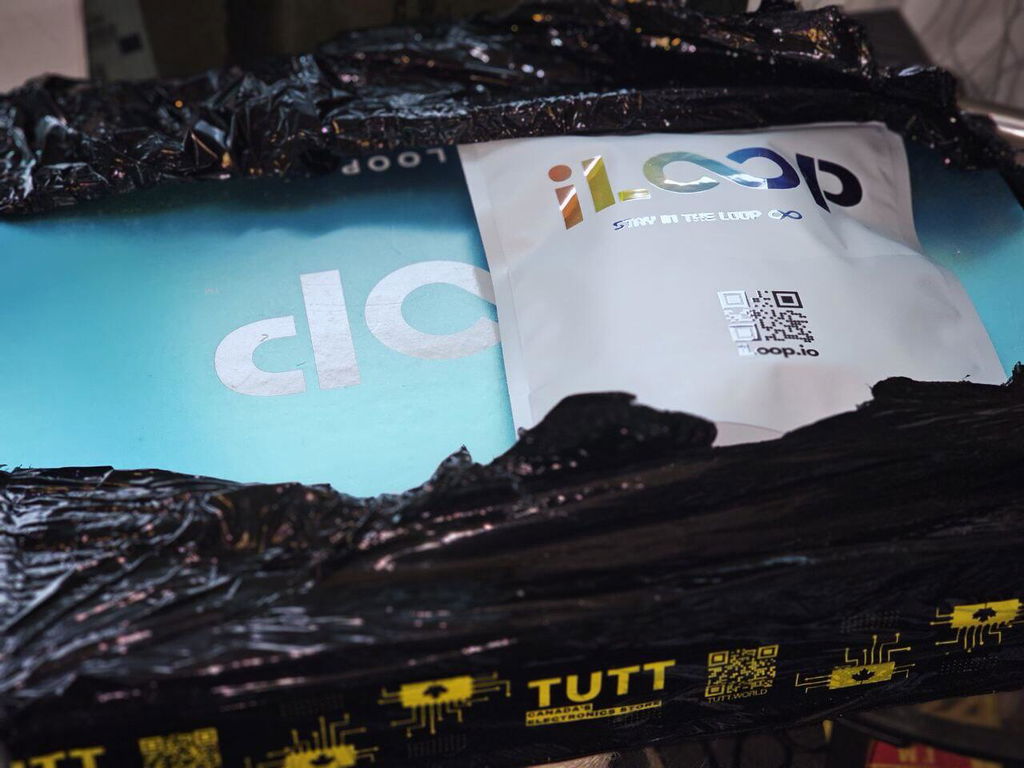
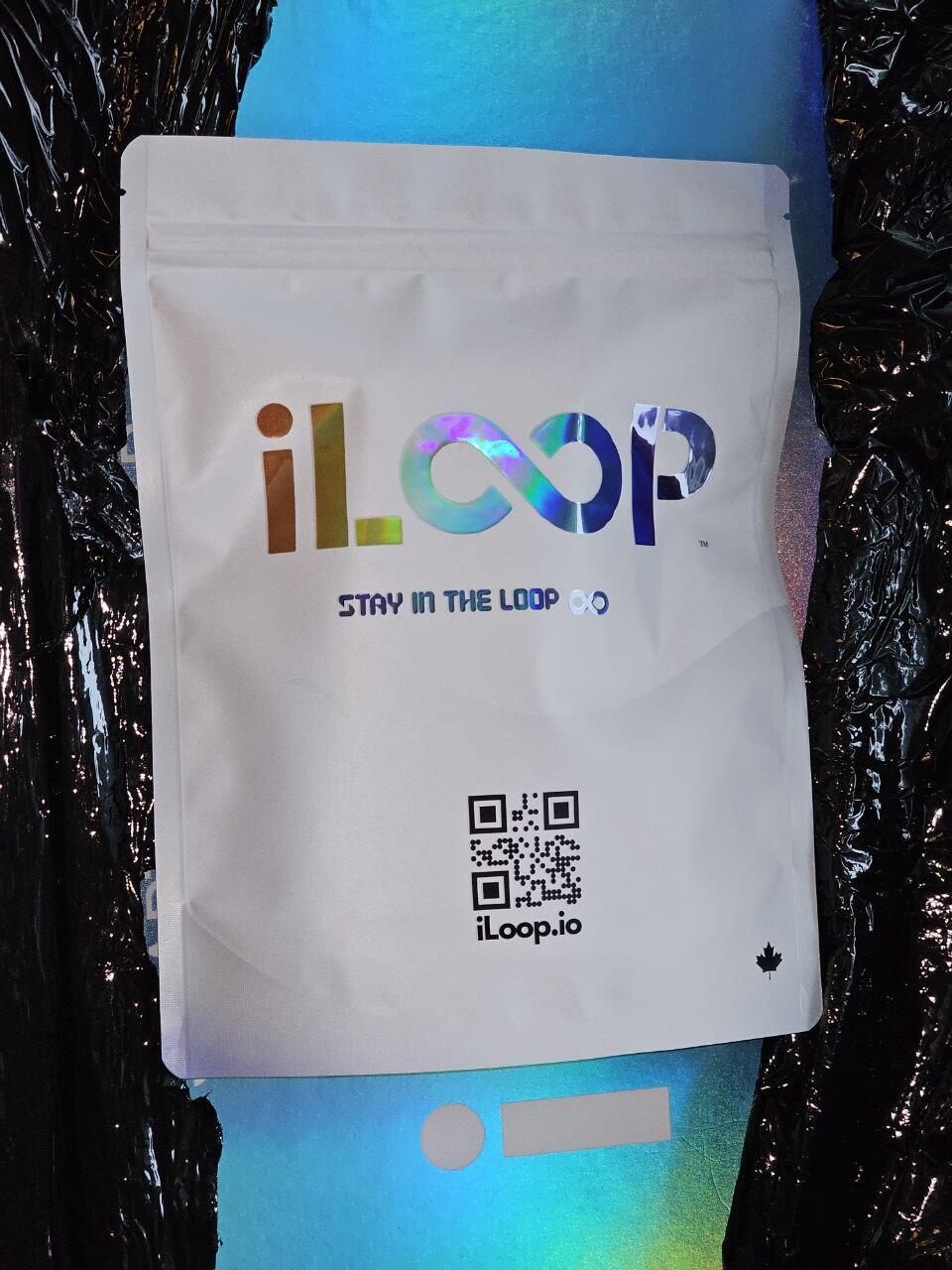
The color of frame was brighter in your website images. But I keep it
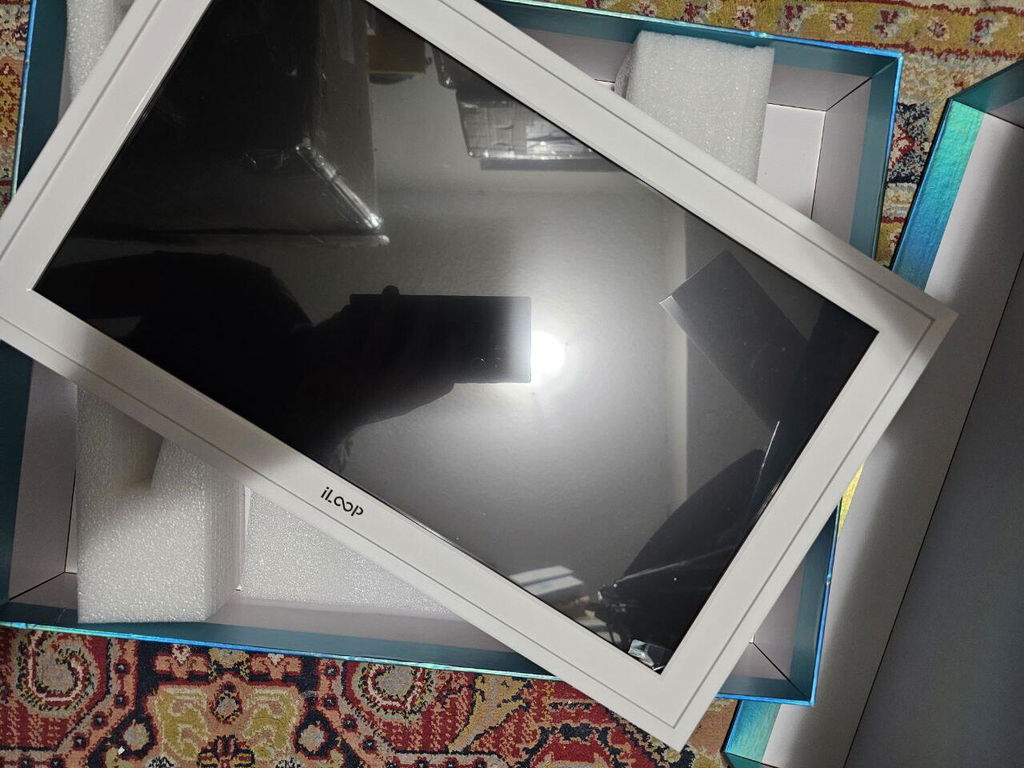
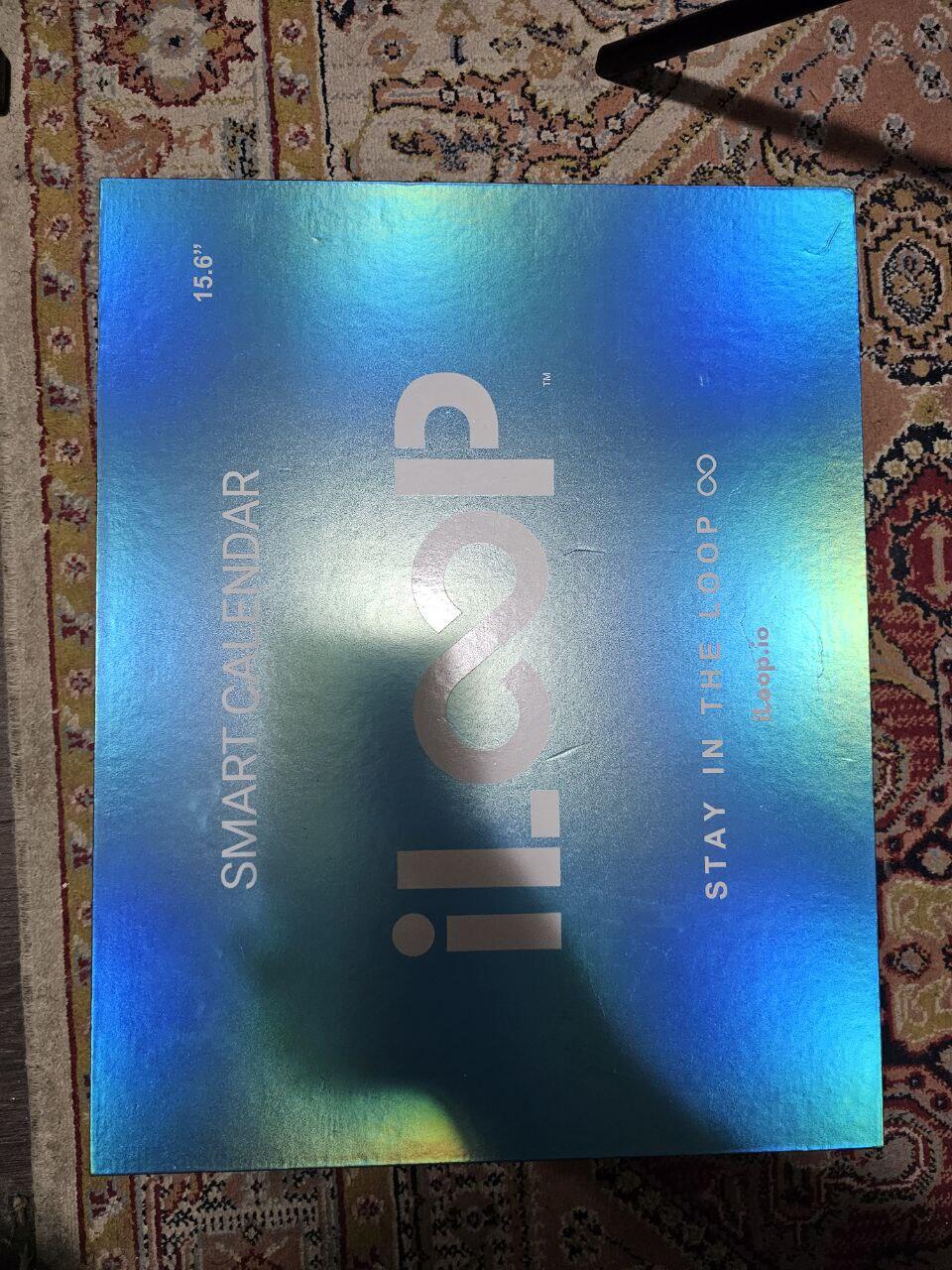
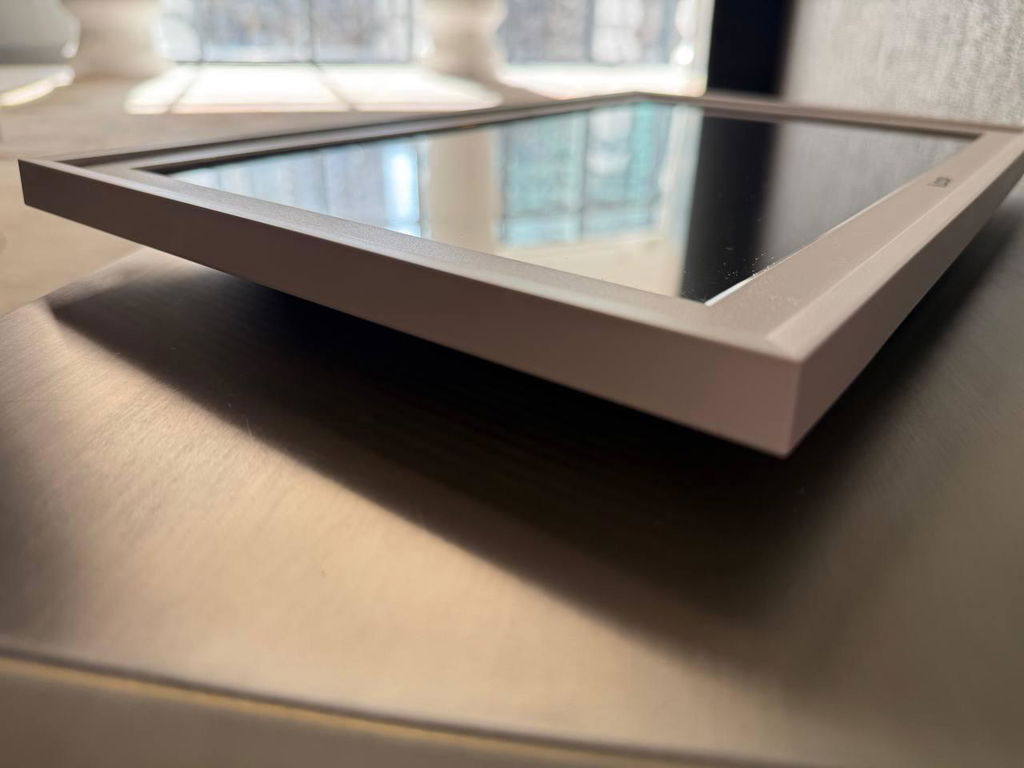
Received today, not used but glass has a noticeable Crack on it.
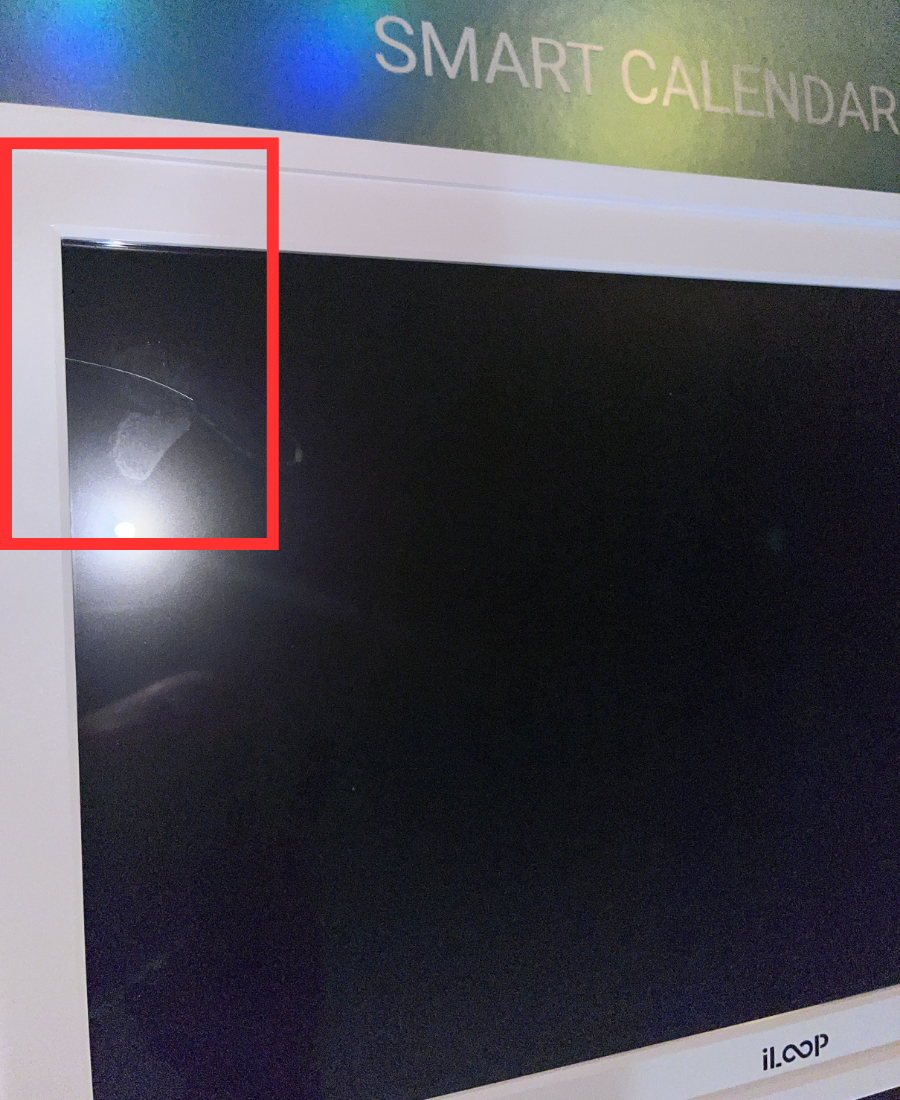
Please contact us with your order information And images, and we will expedite the process for you. We want to make sure you have a fully functioning iLoop 15.6' Digital Calendar to enjoy.
Thank you for bringing this to our attention and we look forward to resolving this issue for you.

Where else to Buy iLoop in Canada
